Key Takeaways
- A robots.txt file is a plain-text file placed at the root of your website that instructs search engine crawlers (Googlebot, Bingbot) which pages or directories to crawl or skip.
- It uses a simple syntax: User-agent (which bot), Allow/Disallow (what to crawl), and Sitemap (location of your XML sitemap).
- Robots.txt controls crawl access — it does NOT prevent pages from appearing in search results (use noindex meta tag for that).
- Critical mistake: Disallow: / blocks all crawling of your entire site — never use this on a live production website.
- Generate a correct robots.txt file for your site instantly with our free Robots.txt Generator — no coding needed.
What Is a Robots.txt File?
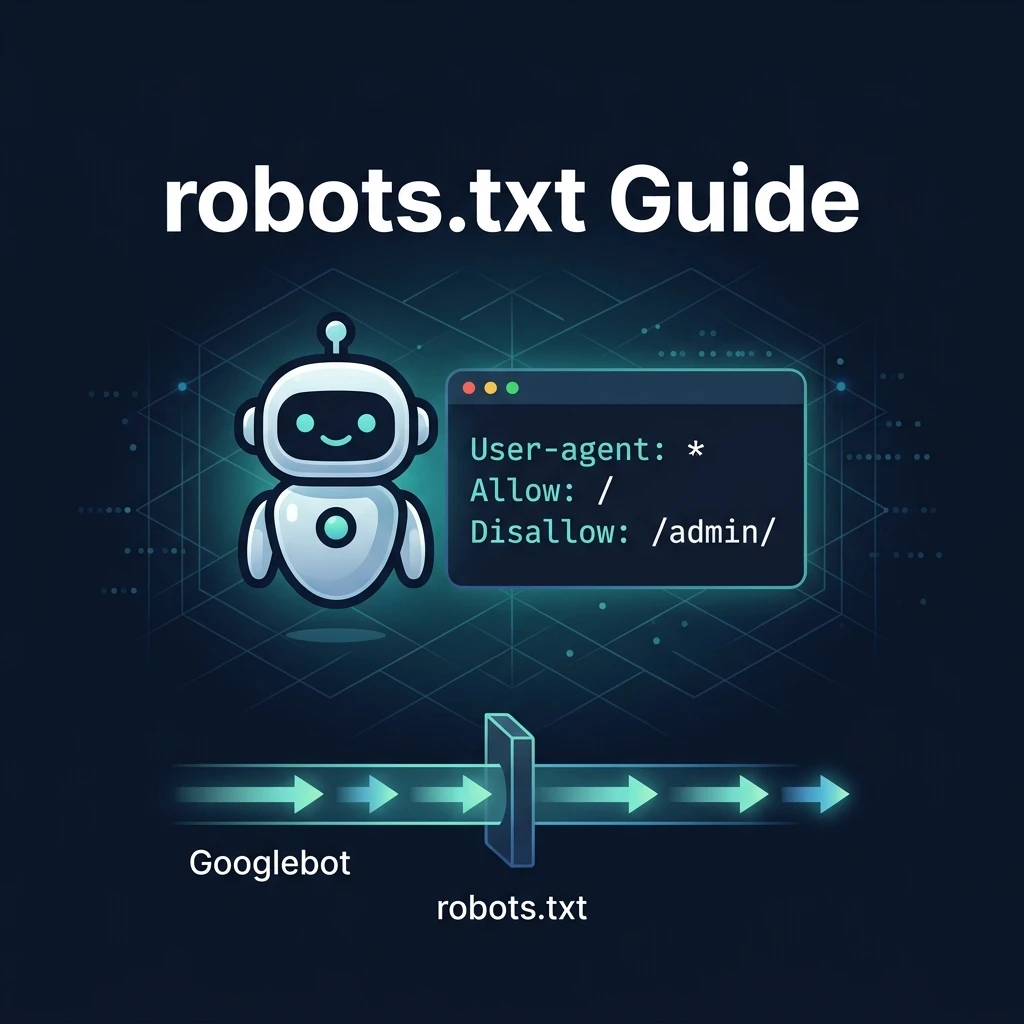
A robots.txt file is a plain-text file placed at the root of your website (at yourdomain.com/robots.txt) that tells search engine crawlers — like Googlebot, Bingbot, and others — which pages or sections of your site they are allowed to crawl and index, and which they should skip.
When a search engine bot visits your site for the first time, the very first thing it does is check for a robots.txt file. If one exists, the bot reads the instructions and follows them before crawling any other page. If no robots.txt exists, the crawler treats it as "no restrictions" and crawls everything it can find.
Robots.txt is part of the Robots Exclusion Protocol — a standard developed in 1994 that all major search engines voluntarily follow. It is a cooperative agreement, not a technical barrier: well-behaved crawlers follow robots.txt, but malicious bots may ignore it.
Robots.txt Syntax: The Basics
A robots.txt file uses a simple, structured syntax:
# This is a comment — ignored by crawlers

User-agent: *
Allow: /
Disallow: /admin/
Disallow: /private/

Sitemap: https://yourdomain.com/sitemap.xml
The key directives:
| Directive | What It Does | Example |
|---|---|---|
User-agent | Specifies which crawler(s) the rules apply to. * means all bots. | User-agent: * |
Disallow | Blocks the specified path from being crawled. | Disallow: /admin/ |
Allow | Explicitly permits crawling of a path (used to override a broader Disallow). | Allow: /public/ |
Sitemap | Tells crawlers the URL of your XML sitemap. | Sitemap: https://example.com/sitemap.xml |
# | Starts a comment line — ignored by all crawlers. | # Block admin |
Robots.txt for Different Website Platforms
Standard robots.txt (Most Websites)
User-agent: *
Allow: /
Disallow: /admin/
Disallow: /login/
Disallow: /cart/
Disallow: /checkout/
Disallow: /*.pdf$

Sitemap: https://yourdomain.com/sitemap.xml
robots.txt for Next.js App Router (2025)
In Next.js 13+ with the App Router, you can generate robots.txt programmatically by creating a robots.ts file in the app/ directory. This is the recommended approach for Next.js projects:
// app/robots.ts
import { MetadataRoute } from 'next'

export default function robots(): MetadataRoute.Robots {
  return {
    rules: {
      userAgent: '*',
      allow: '/',
      disallow: ['/admin/', '/api/', '/private/'],
    },
    sitemap: 'https://yourdomain.com/sitemap.xml',
  }
}
This generates a valid /robots.txt response automatically at build time. You can also create a static robots.txt file in the public/ directory for a simple, non-dynamic alternative.
robots.txt for WordPress
WordPress generates a virtual robots.txt automatically. You can customise it via Settings → Reading (basic), or through Yoast SEO or Rank Math plugin (recommended). The default WordPress robots.txt should disallow /wp-admin/ but allow /wp-admin/admin-ajax.php (needed for dynamic functionality):
User-agent: *
Disallow: /wp-admin/
Allow: /wp-admin/admin-ajax.php

Sitemap: https://yoursite.com/sitemap_index.xml
What Robots.txt Can and Cannot Do
| Can Do ✅ | Cannot Do ❌ |
|---|---|
| Block Googlebot from crawling specific pages or directories | Prevent a page from appearing in Google search results |
| Save crawl budget by preventing waste on unimportant pages | Stop a page from being indexed if other sites link to it |
| Point crawlers to your XML sitemap location | Provide any security — malicious bots ignore robots.txt |
| Apply different rules to different bots (Googlebot vs Bingbot) | Block access to pages from human visitors |
| Block crawling of specific file types (e.g., PDFs, images) | Guarantee compliance — it is voluntary, not enforced |
Critical distinction: If you want to prevent a page from appearing in Google search results, use a <meta name="robots" content="noindex"> tag on that page — not a robots.txt Disallow. Disallowing a page in robots.txt can actually cause it to appear in search results without a snippet because Google knows the page exists (from links) but cannot crawl it to see the noindex tag.
The Most Dangerous Robots.txt Mistake
The single most catastrophic robots.txt error — and one made by developers more often than you would think — is this:
User-agent: *
Disallow: /
This single line blocks all search engine crawlers from crawling your entire website. Every page becomes uncrawlable. Your site will de-index from Google within days. This mistake is commonly introduced when developers copy a robots.txt from a staging environment (which legitimately blocks crawling) to the production website without changing the Disallow rule.
Always verify your live site's robots.txt after any deployment. Visit yourdomain.com/robots.txt directly in your browser and confirm the Disallow lines make sense for a public website.
Crawl Budget: Why Robots.txt Matters for Large Sites
Google allocates a "crawl budget" to each website — the number of pages Googlebot will crawl within a given time window. For most small and medium sites (under 1,000 pages), crawl budget is rarely a concern. For large sites with thousands of pages, using robots.txt to block unimportant pages (filtered search results, duplicate parameter URLs, admin pages) ensures Googlebot spends its crawl budget on your important content rather than wasting it on pages you do not want indexed.
Pages to consider blocking for large sites:
- URL parameters that create duplicate content (
?sort=,?filter=) - Internal search result pages (
/search?q=) - Session ID parameters in URLs
- Admin and backend pages
- Staging or test subdirectories left accessible
How to Create and Test Your Robots.txt
- Generate it free: Use our Robots.txt Generator to build a correctly formatted robots.txt without writing code — select your blocked paths, enter your sitemap URL, and download the file.
- Upload to root: Place the file at your site's root directory so it is accessible at
yourdomain.com/robots.txt - Test with Google: In Google Search Console, go to Settings → robots.txt and use the built-in tester to check if specific URLs are blocked or allowed
- Verify the sitemap line: Always include your sitemap URL at the bottom of robots.txt — this helps Google discover your sitemap even if you have not submitted it via Search Console
- Submit to Search Console: After uploading, go to Google Search Console → Sitemaps and submit your sitemap URL directly for faster indexing
Once your robots.txt is set up, generate a comprehensive XML sitemap with our free XML Sitemap Generator and reference it in your robots.txt Sitemap directive for maximum crawler efficiency.
robots.txt vs Meta Robots Tag vs X-Robots-Tag
| Method | Location | Controls | Best for |
|---|---|---|---|
| robots.txt | Root of domain | Crawling (access) | Blocking entire directories, saving crawl budget |
| Meta robots tag | HTML <head> of each page | Indexing + following | Noindex individual pages, nofollow links |
| X-Robots-Tag | HTTP response header | Indexing + following | Non-HTML files (PDFs, images) that need noindex |
Use all three appropriately: robots.txt for crawl access control, meta robots for individual page indexing decisions, and X-Robots-Tag for non-HTML assets.
What is a robots.txt file in SEO?
A robots.txt file is a plain-text file placed at the root of a website (yourdomain.com/robots.txt) that gives instructions to search engine crawlers about which pages or directories they should or should not crawl. It follows the Robots Exclusion Protocol — a voluntary standard followed by all major search engines including Google, Bing, and Yahoo. The file uses simple directives: User-agent specifies which bot the rules apply to, Disallow blocks specific paths, Allow overrides a Disallow, and Sitemap points crawlers to your XML sitemap.
Does robots.txt affect Google rankings?
Robots.txt affects rankings indirectly by controlling which pages Google can crawl and therefore consider for indexing. Blocking important pages in robots.txt will prevent them from ranking. However, robots.txt does not directly instruct Google to remove a page from search results — if other websites link to a blocked page, Google may still list it in results without a snippet (because it cannot crawl it). For complete removal from search results, use a noindex meta tag on the page itself, not a robots.txt Disallow.
How do I create a robots.txt file?
You can create a robots.txt file three ways: (1) Use our free Robots.txt Generator — enter your blocked paths and sitemap URL and download the correctly formatted file; (2) Create a plain-text file manually in any text editor, following the syntax: "User-agent: *" on the first line, followed by "Allow: /" and specific "Disallow:" lines for paths you want to block, then "Sitemap: https://yourdomain.com/sitemap.xml"; (3) For Next.js App Router projects, create an app/robots.ts file that exports a robots() function. Upload the completed file to your site's root directory so it is accessible at yourdomain.com/robots.txt.
What happens if I have no robots.txt file?
If your website has no robots.txt file, search engine crawlers treat it as if all pages are allowed to be crawled — there are no restrictions. This is fine for most websites. A missing robots.txt file does not harm your SEO. However, having a properly configured robots.txt is beneficial for: pointing crawlers to your sitemap, blocking unimportant pages that would waste crawl budget (important for large sites), and preventing crawling of admin or private areas. Google also logs a 404 error in Search Console when it cannot find a robots.txt, which is a minor but unnecessary warning.
What is the difference between robots.txt and noindex?
Robots.txt controls crawl access — it tells search engines whether they can visit a page at all. The noindex meta tag (placed in a page's HTML head section) controls indexing — it tells search engines not to include a crawled page in their search results. The critical difference: if you block a page in robots.txt, Google cannot crawl it to see the noindex tag. This means the page may still appear in search results (without a snippet) if other sites link to it. For pages you want completely removed from search results, use noindex — not robots.txt. Use robots.txt only to save crawl budget on pages you do not need crawled at all.


