Key Takeaways
- On-page SEO is the practice of optimising individual web pages to rank higher in search engines. Unlike off-page SEO (backlinks) or technical SEO (site infrastructure), on-page SEO is entirely within
What is On-Page SEO?
On-page SEO (also called on-site SEO) refers to all the optimisations you make directly on a webpage to improve its rankings in search engines. This includes the content itself, HTML elements like title tags and headings, URL structure, internal links, image optimisation, and page experience signals.
On-page SEO is the foundation of any SEO strategy. Without it, even excellent backlinks won't help your pages rank — because Google needs to clearly understand what your page is about before it can rank it for the right keywords.
The Complete On-Page SEO Checklist (2026)
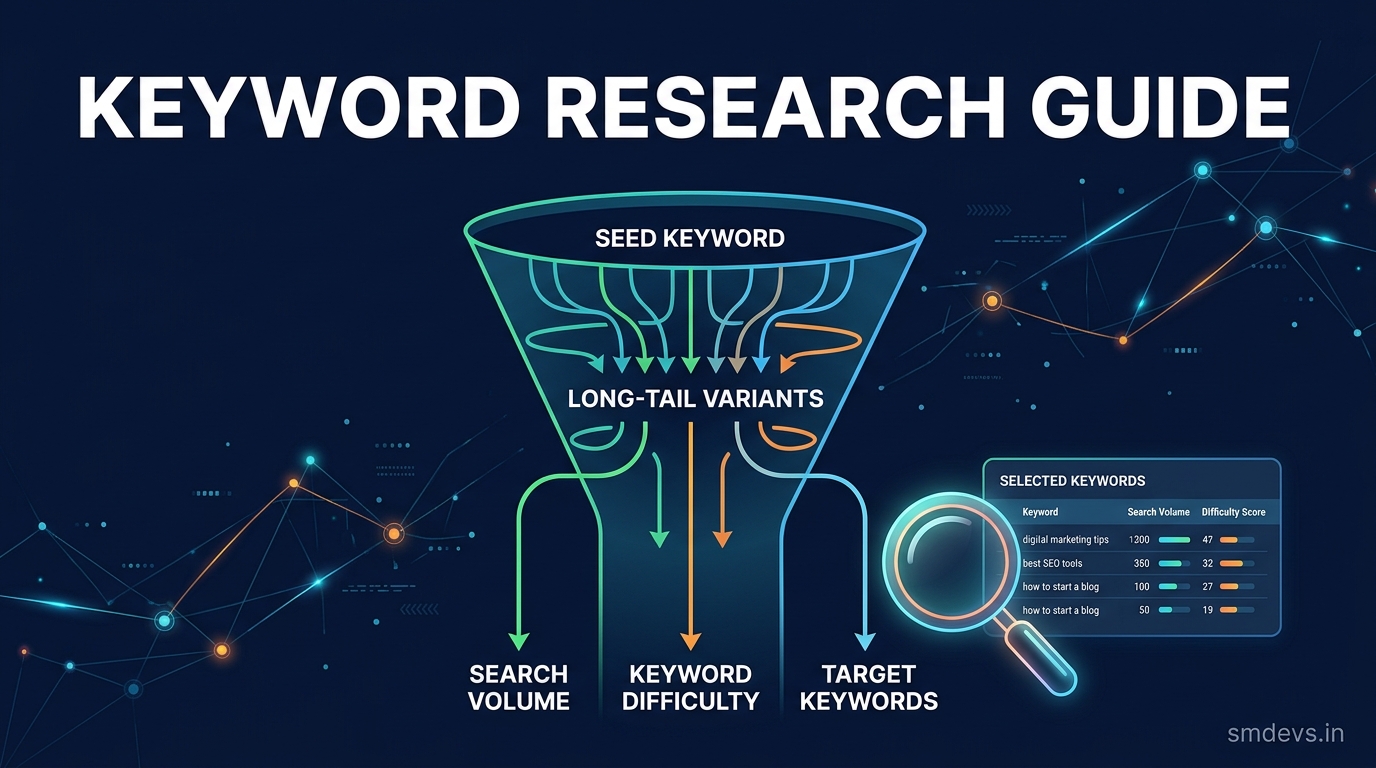
1. Target Keyword Research (Pre-Writing)
- ✅ Identify a primary keyword with sufficient search volume (use Google Keyword Planner, Ahrefs, or Ubersuggest)
- ✅ Check the current top 10 results — understand what content format and depth ranks (are they listicles, guides, videos?)
- ✅ Identify 3–5 semantic/LSI keywords to naturally include throughout
- ✅ Analyse search intent: informational, navigational, commercial, or transactional?
2. Title Tag Optimisation
The title tag is the single most important on-page SEO element. It appears as the clickable headline in Google search results.
- ✅ Include the primary keyword — ideally near the beginning
- ✅ Keep length to 50–60 characters (Google truncates beyond ~580px width)
- ✅ Make it compelling and click-worthy — not just keyword-stuffed
- ✅ Include the current year for time-sensitive topics (e.g., "Best SEO Tools 2026")
- ✅ Every page must have a unique title — no duplicates
Good example: "On-Page SEO Checklist 2026: 15 Proven Tactics | SM Developers"
Bad example: "On Page SEO On Page SEO Guide On Page SEO Checklist"
3. Meta Description
The meta description appears below your title in search results. It doesn't directly impact rankings but strongly affects CTR (click-through rate).
- ✅ Length: 140–160 characters
- ✅ Include the primary keyword (Google bolds it when it matches the search query)
- ✅ Include a clear benefit or call-to-action ("Learn how to...", "Get the complete...")
- ✅ Each page needs a unique meta description — never duplicate
- ✅ Write for humans first, not just keywords
4. URL Structure
- ✅ Use short, descriptive URLs: /on-page-seo-checklist (not /blog/post?id=1234)
- ✅ Include the primary keyword in the URL
- ✅ Use hyphens (-) not underscores (_) to separate words
- ✅ Avoid stop words (a, the, in, of) in URLs unless necessary
- ✅ Use lowercase only — avoid uppercase and special characters
5. H1 Heading
- ✅ Every page should have exactly ONE H1 tag
- ✅ H1 must contain the primary keyword (can be a variation)
- ✅ H1 should match or closely mirror the page's title tag
- ✅ Make it descriptive and engaging — it's the first thing readers see
6. Heading Hierarchy (H2–H6)
- ✅ Use H2 for major sections, H3 for subsections within H2, H4 for sub-subsections
- ✅ Include primary and secondary keywords naturally in H2s
- ✅ Never skip heading levels (don't jump from H2 to H4)
- ✅ Questions as H2/H3 headings can trigger featured snippets
7. Content Quality and Depth
- ✅ Match or exceed the depth of top-ranking pages for your keyword
- ✅ Cover all subtopics that searchers would expect (check "People Also Ask" and "Related Searches")
- ✅ Use original data, examples, and insights — avoid rehashing what everyone else says
- ✅ Include tables, lists, and structured data where appropriate — better for featured snippets
- ✅ Write for the 2026 reader — update statistics and references annually
- ✅ Minimum recommended length: 1,500+ words for informational keywords; quality matters more than word count
8. Keyword Placement and Density
- ✅ Include the primary keyword in the first 100 words of the page
- ✅ Naturally use the keyword 2–4 times per 1,000 words (no keyword stuffing)
- ✅ Use semantic variations and related terms throughout (LSI keywords)
- ✅ Include the keyword in at least one H2 heading
9. Internal Linking
- ✅ Link to 3–5 relevant internal pages from each new article
- ✅ Use descriptive anchor text — not "click here" or "read more"
- ✅ Link from your high-authority pages to new content to pass authority
- ✅ Check for "orphan pages" (pages with zero internal links) — they receive no authority
- ✅ Use tools like Screaming Frog to audit your internal link structure
10. Image Optimisation
- ✅ Compress all images before uploading (use TinyPNG, Squoosh, or WebP format)
- ✅ Every image needs a descriptive alt text containing relevant keywords (naturally)
- ✅ Use descriptive file names: "on-page-seo-checklist.webp" not "IMG_1234.jpg"
- ✅ Specify width and height attributes to prevent Cumulative Layout Shift (CLS)
- ✅ Use next-gen formats: WebP or AVIF over JPEG/PNG
- ✅ Implement lazy loading for images below the fold
11. Core Web Vitals (Page Experience)
Google uses Core Web Vitals as a ranking signal. Three metrics matter:
- ✅ LCP (Largest Contentful Paint): Should be under 2.5 seconds. The largest element on screen (usually hero image or H1) should load fast.
- ✅ INP (Interaction to Next Paint): Should be under 200ms. Pages should respond quickly to user interactions (clicks, taps).
- ✅ CLS (Cumulative Layout Shift): Should be under 0.1. No unexpected layout shifts (caused by images without dimensions, dynamic ad insertion, etc.)
Check your pages at PageSpeed Insights or in Google Search Console → Core Web Vitals.
12. Mobile Optimisation
- ✅ Ensure pages are fully responsive on mobile (Google indexes mobile-first)
- ✅ Font size minimum 16px on mobile
- ✅ Tap targets (buttons, links) at least 48x48px with adequate spacing
- ✅ No horizontal scrolling on mobile
- ✅ Test with Google's Mobile-Friendly Test tool
13. Schema Markup (Structured Data)
- ✅ Add Article schema to all blog posts
- ✅ Add FAQ schema to pages with Q&A sections (eligible for rich results)
- ✅ Add BreadcrumbList schema for navigation clarity
- ✅ Validate with Google's Rich Results Test
14. E-E-A-T Signals
Google's E-E-A-T (Experience, Expertise, Authoritativeness, Trustworthiness) framework has grown in importance:
- ✅ Include author bio with credentials on every article
- ✅ Cite authoritative external sources (government sites, academic papers, industry reports)
- ✅ Display last updated date — especially for evergreen content
- ✅ Add "About" and "Contact" pages with clear publisher information
- ✅ For YMYL (Your Money Your Life) topics, expertise signals are critical
15. Content Freshness
- ✅ Update evergreen content at least annually — refresh statistics, add new sections
- ✅ Update the publish date when making significant updates (Google rewards fresh content)
- ✅ Monitor rankings for existing content in GSC — declining rankings often indicate content needs refreshing
On-Page SEO Tools (Free)
- Google Search Console — keyword performance, indexing, Core Web Vitals
- PageSpeed Insights — Core Web Vitals and page speed analysis
- Rich Results Test — validate schema markup
- Screaming Frog SEO Spider (free up to 500 URLs) — site audit, internal links, title/meta audit
FAQs: On-Page SEO
How long does on-page SEO take to show results?
On-page SEO changes typically take 2–8 weeks to reflect in rankings. Google needs to recrawl and re-index the updated page, then re-evaluate its ranking. Core Web Vitals improvements can show results faster (2–4 weeks) since Google measures these continuously.
Is keyword density still important in 2026?
Keyword density as a specific percentage target is outdated. Focus on natural, comprehensive coverage of the topic — use your primary keyword, variations, and semantically related terms. Modern Google understands context and topic coverage far beyond simple keyword counting.
What is the most important on-page SEO factor?
Content quality and relevance to search intent remain the most critical factors. A technically perfect page with mediocre content will never rank as well as a deeply helpful, well-structured page that genuinely answers what searchers are looking for.