Key Takeaways
- Featured snippets (Position 0) appear above all organic results in Google and can dramatically increase your click-through rate. This guide explains what they are, the different types, and exactly how to optimise your content to win them.
What is a Featured Snippet?
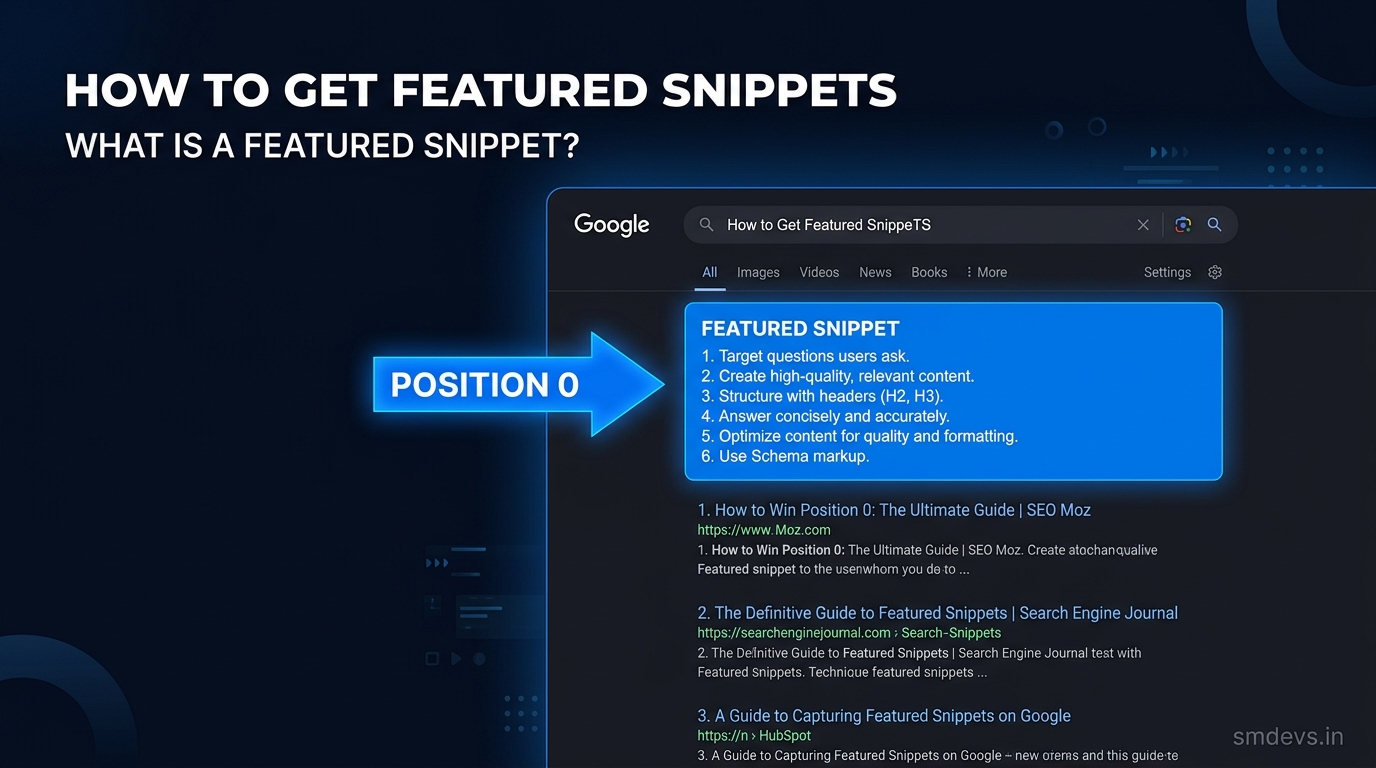
A featured snippet is a special search result that appears above all organic results in Google — often called "Position 0". It shows a direct answer to the user's query, pulled from a webpage, with the page title and URL below.
Featured snippets typically appear for question-based queries: "What is...", "How to...", "Why does...", "How many..."
Why Featured Snippets Matter
- Appear above all 10 organic results — maximum visibility
- Can increase click-through rate by 20–30% for the featured page
- Build brand authority and trust
- Voice search assistants (Google Assistant, Alexa) often read featured snippets
- Great for AI Overviews — Google often pulls from featured snippet sources
Types of Featured Snippets
1. Paragraph Snippets
The most common type. A 40–60 word paragraph answering a question directly. Best triggered by "what is", "who is", "why is" queries.
2. List Snippets (Numbered or Bulleted)
A numbered list (for sequential steps) or bulleted list (for non-sequential items). Triggered by "how to" and "steps to" queries. Google often shows the first 8 items.
3. Table Snippets
A data table comparing items. Best for comparison queries: "X vs Y", pricing tables, specification comparisons.
4. Video Snippets
A YouTube video (usually with a timestamp) answering how-to queries. Google often jumps to the relevant section of the video.
How to Optimise for Featured Snippets
Step 1: Target Question Keywords
Use tools like Answer the Public to find questions in your niche. Target queries with featured snippets already (check if the SERP shows a featured snippet box). If there's already a featured snippet, you can steal it with better content.
Step 2: Structure Your Content for Snippets
- Use the exact question as an H2 heading
- Immediately provide a concise, direct 40–60 word answer after the heading
- Then expand with more detail below
Example structure:
H2: What is a Featured Snippet?
A featured snippet is a search result box that appears above all organic results in Google, showing a direct answer to the user's query pulled from a relevant webpage. It is often called "Position 0" because it appears above the first organic result.
Step 3: Use Lists and Tables
Format how-to content as numbered steps. Format comparison content as HTML tables. Format definition content as a short paragraph.
Step 4: Add Schema Markup
Use FAQPage schema for FAQ sections. Google is more likely to feature structured, well-marked-up content in snippets.
Step 5: Ensure You Already Rank Page 1
Google almost exclusively pulls featured snippets from pages ranking on page 1. Fix your SEO foundations first — featured snippets follow.
Featured Snippets vs AI Overviews
In 2024–2026, Google added AI Overviews which appear above even featured snippets for many queries. However, Google draws from the same sources for AI Overviews. Optimising for featured snippets directly helps you appear in AI Overviews too.


