Key Takeaways
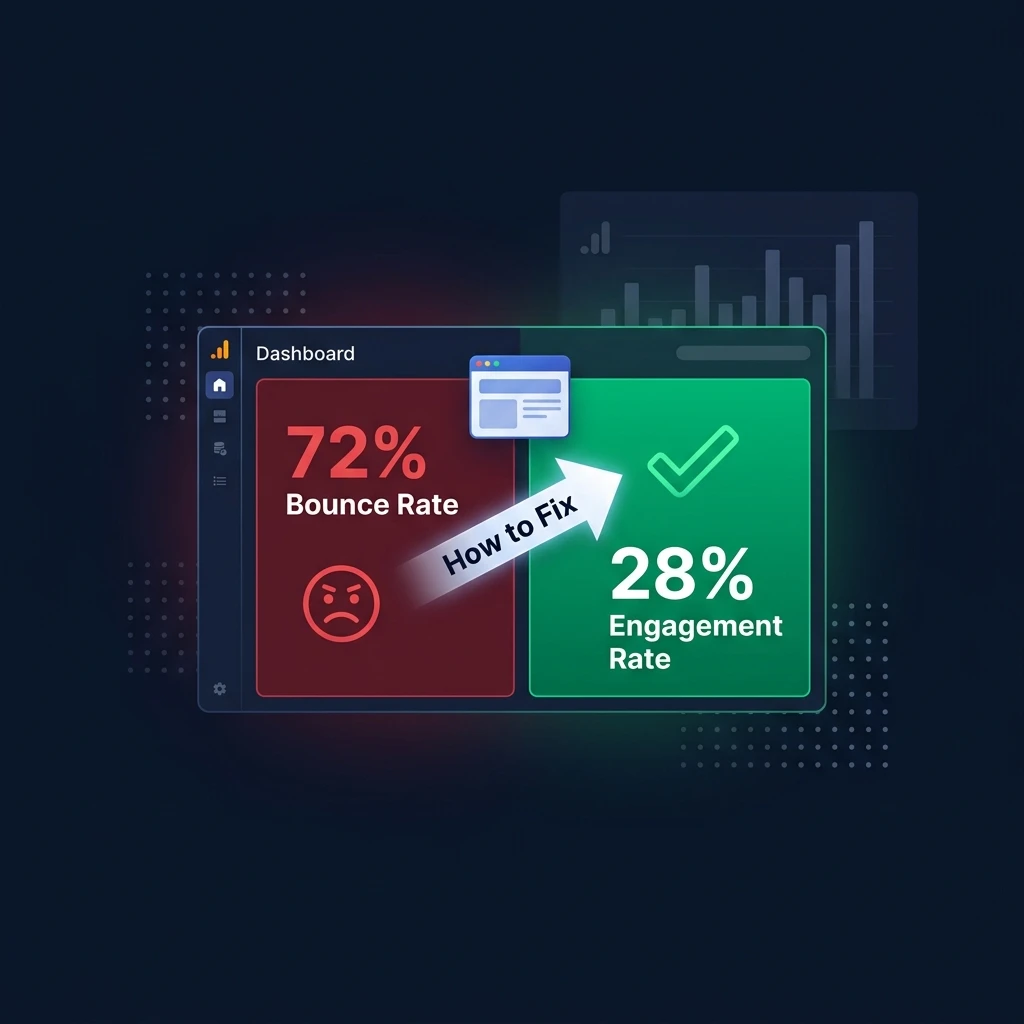
- Bounce rate is the percentage of website sessions where a visitor leaves without any meaningful engagement (in GA4: under 10 seconds, no conversions, only one page view).
- GA4 changed the bounce rate definition significantly — it is now the inverse of "engagement rate" rather than just "single-page sessions."
- Bounce rate is NOT a direct Google ranking factor — but high bounce rate often signals a content quality or search intent mismatch that does harm rankings indirectly.
- The average bounce rate across industries is 40–60%. Above 70% typically indicates a problem; below 30% often means tracking is broken.
- Most bounce rate problems have 3 root causes: wrong audience (traffic mismatch), slow page load, or content that does not match what the visitor expected.
What Is Bounce Rate?
Bounce rate is the percentage of website sessions where a visitor arrives on a page and leaves without taking any meaningful action — no clicking to another page, no form submission, no purchase, and (in the GA4 definition) no spending more than 10 seconds on the page.
A "bounce" is essentially a session where the user decided the page did not give them what they came for, and they left. High bounce rates are a signal — not always a problem — but they deserve investigation to understand why visitors are not engaging.
Bounce Rate Definition in GA4 vs Universal Analytics
Google completely changed how bounce rate is calculated when it moved from Universal Analytics (UA) to Google Analytics 4 (GA4) in 2023. Many guides online still use the old definition. Here is the critical difference:
| Metric | Universal Analytics (Old) | Google Analytics 4 (Current) |
|---|---|---|
| Bounce definition | A session with only one page view — user visits one page and leaves | A session that is NOT "engaged" — user leaves in under 10 seconds AND views only 1 page AND triggers no conversion |
| 10-second rule | Does not exist — any single-page session is a bounce | Spending 10+ seconds on one page is NOT a bounce |
| Paired metric | Session duration | Engagement Rate (bounce rate's inverse) |
| Conversion impact | Conversions prevented bounce in UA but inconsistently | Any key event (conversion) prevents a bounce |
The practical implication: Your GA4 bounce rate will typically be lower than your old UA bounce rate for the same traffic — not because your site improved, but because GA4's definition is more generous. A user who reads your article for 3 minutes and then closes the tab is not a bounce in GA4. In UA, that same user was a bounce.
How to Find Bounce Rate in Google Analytics 4
Bounce rate is not visible in GA4's default reports — Google removed it from standard dashboards and replaced it with Engagement Rate. To see bounce rate:
- Go to Reports → Engagement → Pages and screens
- Click the pencil icon (Edit report) in the top right
- Under Metrics, click Add metric
- Search for "Bounce rate" and add it
- Save and the column will appear in your report
Alternatively, use the Explorations (Analysis Hub) feature in GA4 to build a custom report that shows bounce rate alongside session duration, engagement rate, and pages per session — all the metrics you need to diagnose user behaviour in one view.
What Is a Good Bounce Rate?
Bounce rate varies enormously by content type, traffic source, and industry. Context is critical — a 70% bounce rate might be excellent for a blog and catastrophic for an e-commerce checkout page.
| Content/Site Type | Typical Bounce Rate | Notes |
|---|---|---|
| Landing pages (paid ads) | 60% – 90% | Users often convert on first visit or leave — high bounce expected |
| Blog / informational articles | 65% – 85% | Readers consume one post and leave — not inherently bad |
| E-commerce product pages | 45% – 65% | Users should browse multiple products — high bounce indicates problems |
| SaaS tool / web application | 30% – 55% | Engaged users explore features — very high bounce signals UX issues |
| News / media sites | 65% – 80% | Users read one article and leave — typically acceptable |
| Contact / about pages | 50% – 70% | Users get info and leave — not a concern |
Warning signal: If your bounce rate is below 20%, your GA4 tracking is likely broken (double-firing the pageview tag, misconfigured events), which artificially inflates "engagement." A bounce rate of 0–15% is technically impossible for a real website with genuine traffic.
Does Bounce Rate Affect SEO and Google Rankings?
Bounce rate is not a direct Google ranking factor. Google has explicitly confirmed it does not use Google Analytics data (including bounce rate) in its search ranking algorithm. A page with a 95% bounce rate can rank number one on Google — and often does for informational queries where users get the answer they need and leave satisfied.
However, high bounce rate correlates with ranking problems because:
- Search intent mismatch: If users consistently bounce from your page after a Google search, it signals that your content does not satisfy the query — which Google detects through its own user behaviour signals (time to click back, pogo-sticking)
- Poor on-page experience: Slow load times, broken layouts, intrusive pop-ups, or poor mobile experience cause bounces AND harm Core Web Vitals — which IS a ranking factor
- Thin content: Pages with little depth or value cause bounces AND fail Google's Helpful Content standards
Fix the underlying causes of high bounce rate and your rankings typically improve as a side effect — not because bounce rate moved, but because you fixed the real problems.
10 Proven Ways to Reduce Bounce Rate
1. Match Content to Search Intent Exactly
The single most impactful fix. If your page ranks for "what is bounce rate" but the content focuses primarily on selling an analytics tool, users will bounce immediately — they wanted a definition, not a sales pitch. Use our free Keyword Intent Analyzer to confirm the correct content format for every target keyword before writing.
2. Improve Page Load Speed
Every additional second of load time increases bounce rate by 32% (Google research). Compress images to WebP format under 150KB, eliminate render-blocking scripts, and use a CDN for static assets. Run your page through Google's PageSpeed Insights and target a score above 85 on mobile.
3. Fix Your Above-the-Fold Content
The first 3 seconds after a user lands determine whether they stay. Your headline must immediately confirm the user is in the right place — it should mirror what they searched for. A clear, specific H1 that matches the search query dramatically reduces early exits.
4. Add Internal Links to Related Content
Guide users to related pages they might find valuable. A visitor reading about bounce rate may also want to read your guide on on-page SEO, meta descriptions, or how to improve dwell time. Every blog post should link to 3–5 related pages on your site with clear, descriptive anchor text.
5. Fix Broken Links and 404 Errors
A user clicking a link that returns a 404 error will almost always bounce immediately. Scan your site regularly with our free Broken Link Checker to identify and fix dead links before they cause bounce rate spikes.
6. Optimise for Mobile
Over 60% of web traffic comes from mobile devices. A page that looks great on desktop but breaks on a 375px mobile screen will have a very high mobile bounce rate. Test every page on actual devices and use Google's Mobile-Friendly Test to identify layout issues.
7. Make Content Scannable
Users rarely read web content linearly — they scan first to decide if it is worth reading. Use clear H2/H3 headings that convey the content's value at a glance, short paragraphs of 2–4 sentences, bullet points for lists, and tables for comparisons. A well-structured page reduces early exits from users who would have stayed if the content had been easier to parse.
8. Use a Strong Opening (No Fluff)
The first paragraph must deliver value immediately. Never start a page with a lengthy preamble about why the topic is important. Start with the direct answer or the most compelling fact. AI Overviews and featured snippets are won by pages that answer the question in the first 2–3 sentences — and those same pages have lower bounce rates because users instantly know they are in the right place.
9. Remove Intrusive Pop-Ups and Interstitials
Pop-ups that appear within 5 seconds of a user landing on your page are among the highest-converting bounce triggers — especially on mobile. If you use pop-ups, delay them until the user has scrolled 50% of the page or spent at least 30 seconds reading.
10. Conduct a Full On-Page SEO Audit
Many bounce rate problems originate from on-page issues: missing meta descriptions (causing misleading search snippets that attract the wrong audience), broken page elements, unoptimised images, and poor heading structure. Run a full audit with our free On-Page SEO Checker to identify and fix these issues systematically.
Bounce Rate vs Engagement Rate vs Dwell Time
| Metric | What It Measures | Where to Find It | SEO Impact |
|---|---|---|---|
| Bounce Rate | % of sessions with no engagement (GA4) | GA4 custom reports | Indirect |
| Engagement Rate | % of sessions that ARE engaged (opposite of bounce) | GA4 standard reports | Indirect |
| Dwell Time | Time between clicking a Google result and returning to SERP | Not directly measurable; inferred | Indirect but significant |
| Session Duration | Total time spent per session | GA4 → Engagement → Overview | Indirect |
| Pages per Session | How many pages users view per visit | GA4 → Engagement → Overview | Indirect |
Of these, dwell time (how long before a user returns to the Google search results) is the metric most closely correlated with Google's quality assessment — but it is not directly measurable in GA4. Long dwell time correlates with low bounce rate because users who stay longer rarely bounce. Optimise for user satisfaction and both improve together.
What is bounce rate in Google Analytics?
In Google Analytics 4 (GA4), bounce rate is the percentage of sessions where users leave without engaging — meaning they spent under 10 seconds on the page, did not trigger any conversion events, and only viewed one page. It is the inverse of "engagement rate." In the older Universal Analytics, a bounce was any single-page session regardless of time spent. The GA4 definition is more nuanced — a user who spends 9 minutes reading one article is still counted as a bounce in UA but not in GA4.
Is bounce rate a Google ranking factor?
No — bounce rate is not a direct Google ranking factor. Google has officially confirmed it does not use Google Analytics data, including bounce rate, to rank websites in search results. However, the underlying causes of a high bounce rate — poor search intent match, slow page load, thin content — do affect Google rankings through other signals like Core Web Vitals, user engagement patterns, and Helpful Content assessments. Fixing bounce rate problems almost always improves rankings because you are fixing real quality issues, not the metric itself.
What is a good bounce rate for a website?
A good bounce rate depends on the type of page and traffic source. For blog and informational content: 65–85% is typical and acceptable. For e-commerce product pages: 45–65% is healthy; above 70% indicates problems. For SaaS or tool websites: 30–55% is typical, with higher rates suggesting UX issues. For paid advertising landing pages: 60–90% is expected, since users either convert or leave. Always compare your bounce rate to your own historical baseline and industry averages rather than a universal "good" number.
What is the difference between bounce rate and exit rate?
Bounce rate measures sessions that start and end on the same page with no engagement — the user arrived, did nothing meaningful, and left. Exit rate measures the percentage of users who left the site from a specific page, regardless of how many pages they visited before. A page can have a high exit rate but a low bounce rate — for example, a checkout confirmation page where users naturally exit after completing a purchase. Exit rate is most useful for identifying where users are dropping out of a multi-step funnel; bounce rate is more useful for diagnosing landing page quality and search intent match.
How do I reduce bounce rate on my website?
The most effective ways to reduce bounce rate: (1) Ensure your content exactly matches the search intent of the keywords bringing visitors — users bounce when they don't get what they expected; (2) Improve page load speed — every additional second of load time significantly increases bounce rate; (3) Make your content immediately scannable with clear headings and short paragraphs; (4) Add internal links to guide users to related content; (5) Fix broken links and 404 errors with a broken link checker; (6) Optimise for mobile devices; (7) Remove intrusive early pop-ups; (8) Run a full on-page SEO audit to identify technical issues causing poor user experience.


