Key Takeaways
- Meta tags are essential for on-page SEO optimization.
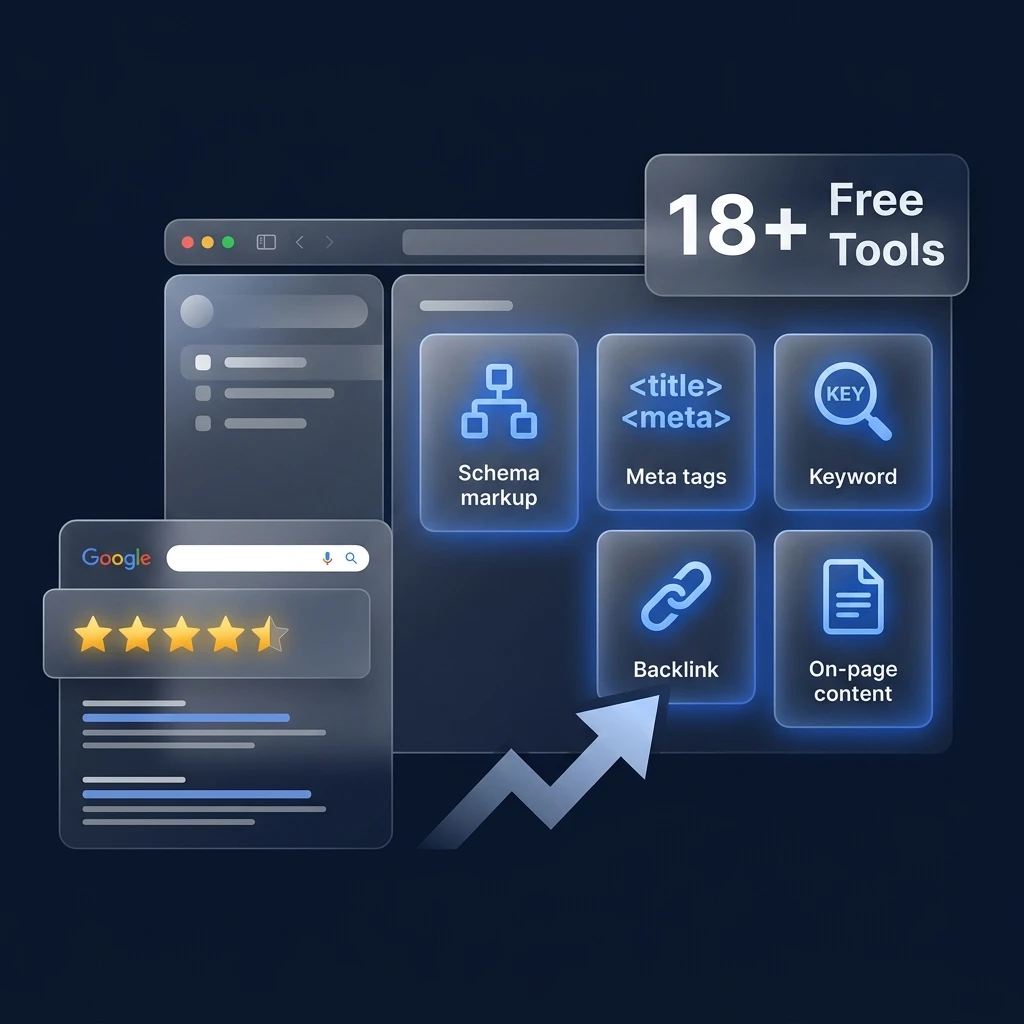
- A meta tag generator free tool simplifies the process of creating meta tags.
- Title tags and meta descriptions directly impact search visibility and CTR.
- Social media meta tags improve content sharing and engagement.
- Following SEO best practices ensures maximum meta tag effectiveness.
Search engine optimization starts with proper on-page optimization, and one of the most fundamental elements of on-page SEO is meta tags. These small pieces of HTML code provide essential information about your webpage to search engines and browsers.
However, writing meta tags manually can be confusing for beginners. That’s where a meta tag generator free tool becomes extremely useful.
A meta tag generator automatically creates SEO-optimized meta tags for your website so you can copy and paste them directly into your HTML.
In this complete guide, we’ll explain:
-
What meta tags are
-
Why meta tags matter for SEO
-
How a meta tag generator works
-
Which meta tags are most important
-
Best practices for writing SEO meta tags
-
How to generate meta tags instantly using a free tool
This guide is designed for website owners, developers, bloggers, and SEO professionals who want to improve their website visibility in search engines.
What Are Meta Tags?
Meta tags are HTML elements placed in the <head> section of a webpage. They provide metadata about the page, which helps search engines understand what the content is about.
Although meta tags are not visible on the webpage itself, they play a crucial role in how search engines index and display your content.
Meta tags typically contain information such as:
-
Page title
-
Description
-
Author
-
Keywords
-
Robots instructions
-
Character encoding
-
Viewport settings
Example of Meta Tags
<title>Free Meta Tag Generator Tool</title>
<meta name="description" content="Generate SEO meta tags instantly with our free meta tag generator.">
<meta name="robots" content="index, follow">
<meta charset="UTF-8">
These tags help search engines determine how your page should appear in search results.
“Meta tags may be invisible to users, but they are critical signals for search engines.”
Why Meta Tags Are Important for SEO
Meta tags directly influence how search engines crawl, index, and display your website pages.
Properly optimized meta tags improve:
-
Search engine understanding of your content
-
Click-through rate (CTR)
-
Website visibility
-
Social media sharing appearance
SEO Benefits of Meta Tags
|
Benefit |
Explanation |
|
Improved indexing |
Search engines understand page content better |
|
Higher click-through rate |
Engaging titles and descriptions attract clicks |
|
Better social sharing |
Meta tags control preview cards |
|
Structured search results |
Helps search engines categorize content |
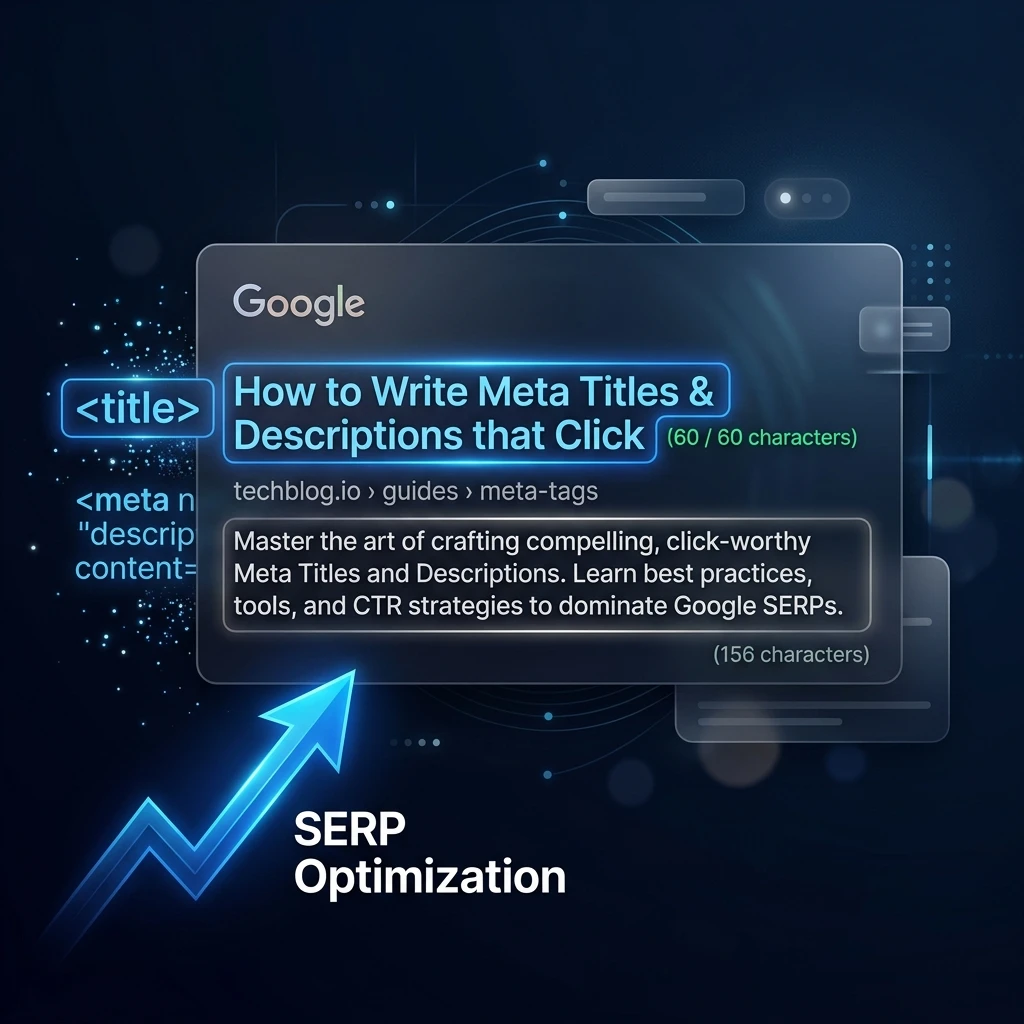
For example, the title tag and meta description often appear in Google search results.
A well-written meta description can significantly increase organic traffic.
What Is a Meta Tag Generator?
A meta tag generator is an online tool that automatically generates HTML meta tags based on user input.
Instead of manually writing code, you simply fill in details like:
-
Page title
-
Description
-
Keywords
-
Author name
-
Robots instructions
The tool then generates complete HTML meta tags ready to be added to your website.
Many popular SEO platforms such as SEOptimer and MetaTags.io provide similar functionality.
However, using a meta tag generator free tool simplifies the process even further.
How a Meta Tag Generator Works
A meta tag generator typically follows a simple process.
Step 1: Enter Page Details
Users enter key information such as:
-
Page title
-
Meta description
-
Keywords
-
Author name
Step 2: Configure SEO Settings
The tool may also allow configuration for:
-
Robots instructions
-
Charset encoding
-
Viewport settings
-
Social meta tags
Step 3: Generate HTML Code
Once the information is entered, the tool generates ready-to-use HTML meta tags.
Step 4: Copy and Paste
Users simply copy the generated code and paste it into the <head> section of their webpage.
This process eliminates coding errors and ensures correct meta tag structure.
Types of Meta Tags Every Website Should Use
Not all meta tags are equally important for SEO.
Some tags have a direct impact on search engine rankings, while others enhance usability and social sharing.
Essential SEO Meta Tags
|
Meta Tag |
Purpose |
|
Title Tag |
Displays page title in search results |
|
Meta Description |
Provides summary of page content |
|
Robots Tag |
Controls crawling and indexing |
|
Charset Tag |
Defines character encoding |
|
Viewport Tag |
Ensures mobile responsiveness |
These tags form the foundation of on-page SEO optimization.
Complete List of Important SEO Meta Tags
Beyond the basic tags, there are several additional meta tags that can improve SEO performance.
Commonly Used Meta Tags
|
Tag |
Function |
|
meta name="author" |
Specifies the page author |
|
meta name="robots" |
Controls indexing behavior |
|
meta name="viewport" |
Makes page mobile responsive |
|
meta http-equiv="content-type" |
Specifies content type |
|
meta property="og:title" |
Social media title |
These tags improve website compatibility, SEO performance, and social sharing.
How to Generate Meta Tags Using a Free Meta Tag Generator
Using a meta tag generator free tool is simple and takes only a few seconds.
Step-by-Step Process
-
Enter your website title
-
Write an optimized meta description
-
Add relevant keywords
-
Configure robots instructions
-
Generate meta tags
-
Copy the HTML code
-
Paste it into your website’s <head> section
Once implemented, your page will have SEO-friendly meta tags.
Example of Generated Meta Tags
Below is an example of a typical meta tag configuration generated by a tool.
<title>Free Meta Tag Generator – Create SEO Meta Tags Instantly</title>
<meta name="description" content="Generate SEO optimized meta tags instantly using our free meta tag generator tool.">
<meta name="robots" content="index, follow">
<meta name="viewport" content="width=device-width, initial-scale=1.0">
<meta charset="UTF-8">
This setup ensures your website is search engine friendly and mobile compatible.
Advanced Meta Tags for Social Media
Social media meta tags improve how your pages appear when shared on platforms like Facebook, LinkedIn, and Twitter.
Open Graph Tags
Open Graph tags control social preview cards.
|
Tag |
Purpose |
|
og:title |
Social media title |
|
og:description |
Page description |
|
og:image |
Featured image |
|
og:url |
Page URL |
Twitter Card Tags
These tags optimize content previews on Twitter.
|
Tag |
Purpose |
|
twitter:title |
Title shown on Twitter |
|
twitter:description |
Content description |
|
twitter:image |
Preview image |
Using these tags improves engagement and click-through rates from social media.
Common Meta Tag Mistakes to Avoid
Many website owners unintentionally make mistakes when implementing meta tags.
Avoid these common errors to maintain strong SEO performance.
1. Keyword Stuffing
Adding excessive keywords in meta tags can appear spammy.
Search engines may penalize pages with keyword-stuffed meta tags.
2. Missing Meta Descriptions
Pages without meta descriptions may appear unattractive in search results.
Always include a clear and engaging description.
3. Duplicate Meta Tags
Using identical titles and descriptions across multiple pages can reduce SEO effectiveness.
Each page should have unique meta tags.
4. Ignoring Mobile Optimization
Without viewport tags, your site may not display correctly on mobile devices.
Best Practices for Writing SEO Meta Tags
To maximize SEO benefits, follow these proven best practices.
Title Tag Optimization
-
Keep titles between 50–60 characters
-
Include the primary keyword
-
Write engaging and clickable titles
Example:
Meta Tag Generator Free Tool – Create SEO Meta Tags Instantly
Meta Description Optimization
-
Keep descriptions 150–160 characters
-
Highlight the value of the page
-
Include a call to action
Example:
Generate SEO meta tags instantly with our free meta tag generator tool. Improve search visibility and CTR without coding.
“An optimized title and meta description can significantly increase organic search traffic.”
Advantages of Using a Meta Tag Generator
Using a meta tag generator offers several advantages for website owners and developers.
Key Advantages
-
Saves time by automatically generating code
-
Reduces coding errors
-
Ensures proper HTML structure
-
Helps beginners create SEO-friendly meta tags
-
Improves website optimization efficiency
Many professional SEO tools also include meta tag generation features.
Limitations of Meta Tag Generators
While meta tag generators are extremely useful, they do have certain limitations.
Common Limitations
-
Cannot guarantee higher rankings
-
Still requires good keyword research
-
Meta descriptions must be written carefully
-
Tools may not optimize tags perfectly
For best results, combine meta tag generation with comprehensive SEO strategies.
Why Our Free Meta Tag Generator Is Different
Our meta tag generator free tool is designed to simplify meta tag creation while providing advanced customization.
Key Features
|
Feature |
Benefit |
|
Instant tag generation |
Saves time |
|
SEO-friendly structure |
Improves indexing |
|
Social meta tags |
Better social previews |
|
Mobile optimization |
Ensures responsive pages |
|
Beginner friendly |
No coding knowledge required |
This tool helps website owners generate fully optimized meta tags within seconds.
Conclusion
Meta tags remain one of the most fundamental components of on-page SEO. Even though they are invisible to website visitors, they provide search engines with essential information about your webpage, helping them understand and categorize your content accurately.
By implementing properly optimized meta tags such as the title tag, meta description, robots tag, and viewport tag, website owners can significantly improve how their pages appear in search engine results pages. These tags influence not only indexing and ranking signals but also click-through rates, which directly impact organic traffic.
However, manually writing meta tags can be confusing for beginners or time-consuming for developers managing multiple pages. This is where a meta tag generator free tool becomes extremely valuable. With just a few inputs, users can generate properly structured meta tags without worrying about syntax errors or missing attributes.
Frequently Asked Questions (FAQs)
What is a meta tag generator?
A meta tag generator is a tool that automatically creates HTML meta tags for a webpage based on the information provided by the user.
Is a meta tag generator free?
Yes. Many SEO tools offer free meta tag generators that allow users to generate basic meta tags without coding.
Do meta tags still matter for SEO in 2026?
Yes. Meta tags remain an essential part of on-page SEO, especially title tags and meta descriptions.
What is the most important meta tag?
The title tag is considered the most important meta tag because it directly influences search engine rankings and click-through rates.
How many meta tags should a page have?
A typical webpage should include 5–10 essential meta tags, including title, description, robots, charset, and viewport.
Can meta tags improve click-through rate?
Yes. A well-written meta title and description can significantly improve organic CTR.