Key Takeaways
- Start with technical SEO — Crawlability and indexation issues block everything else. Fix these first.
- ✅ Core Web Vitals have exact benchmarks — LCP under 2.5s, CLS under 0.1, INP under 200ms. Meet all three.
- ✅ Mobile-first is non-negotiable — Google indexes the mobile version of your site.
- ✅ HTTPS is a ranking factor — Secure your site and fix all mixed content warnings.
- ✅ E-E-A-T wins in 2026 — Show real experience, expertise, authority, and trust on every page.
- ✅ Content freshness matters — Update old, declining pages regularly. Stale content loses rankings.
- ✅ GEO is the new frontier — Optimise for AI Overviews and LLM-based search, not just Google's blue links.
- ✅ All the tools you need are free — Google Search Console, PageSpeed Insights, Screaming Frog (free version), and Ahrefs Webmaster Tools cover 90% of this checklist.
- ✅ Audit regularly — Weekly, monthly, quarterly. Not just once a year.
What Is an SEO Audit?
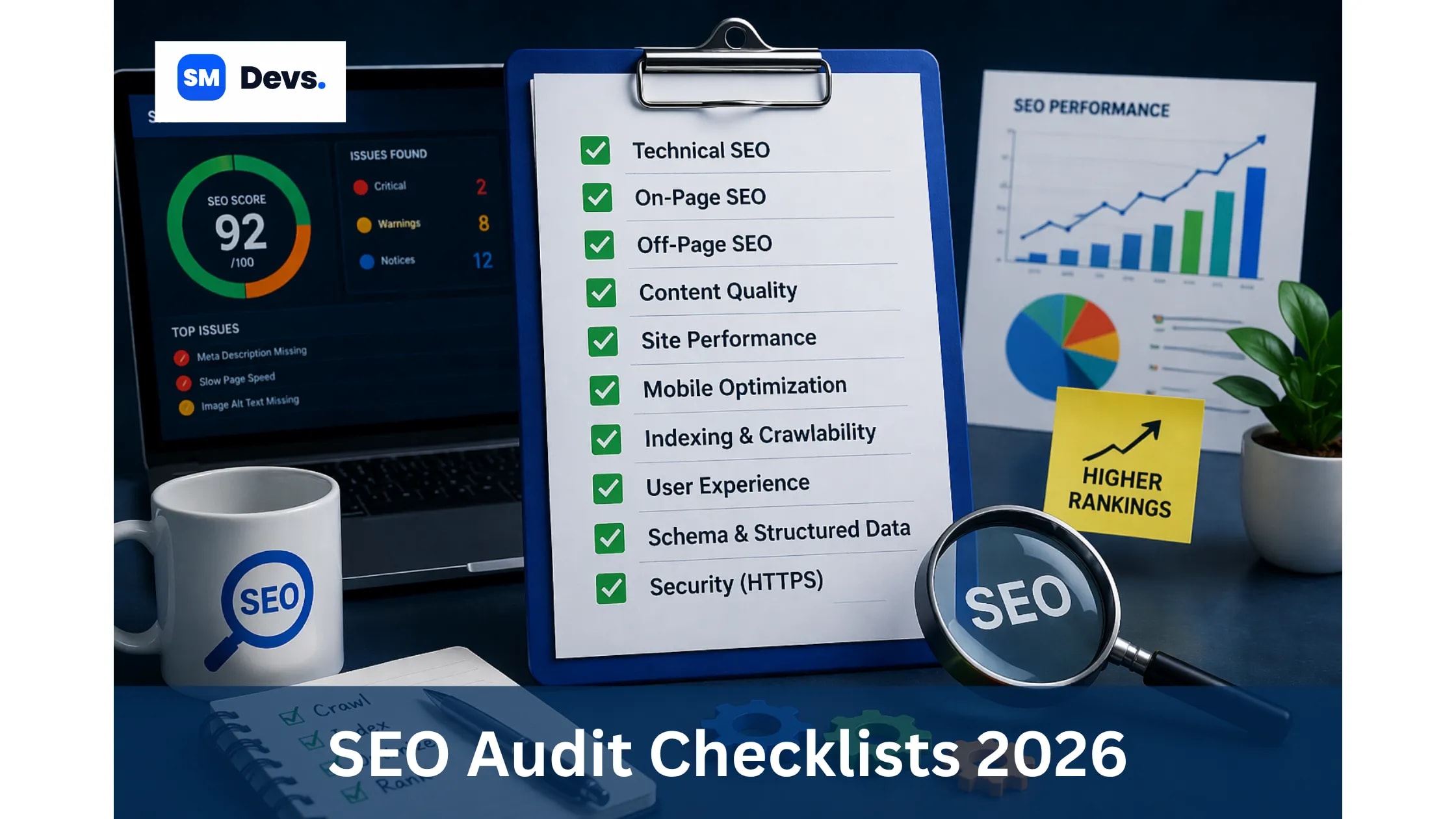
An SEO audit is a full check of your website. It tells you what is stopping your site from ranking higher on Google. Think of it like a health check for your website.
It looks at three main things:
-
Can Google find and crawl your pages?
-
Is your content good enough to rank?
-
Do other trusted websites link to yours?
When you fix what the audit finds, your rankings improve. Your traffic grows. And more people find your business.
"An SEO audit is not a one-time task. In 2026, it is a living diagnostic system, one that checks every layer of your site against Google's current ranking criteria." — Roman Makarenko, SEO Specialist
Why an SEO Audit Matters in 2026
Google is smarter than ever. Its algorithms now check content quality, user experience, page speed, and E-E-A-T (Experience, Expertise, Authoritativeness, Trustworthiness) all at once.
Three big reasons why an SEO audit in 2026 is non-negotiable:
-
AI-powered search is here. Google AI Overviews, Perplexity, and ChatGPT now crawl your site. They have different requirements than traditional Google bots.
-
Core Web Vitals are confirmed ranking factors. There are strict numeric benchmarks you must meet.
-
Generic AI content is penalised. Google is getting better at detecting thin, duplicate, and unhelpful content.
Without a proper SEO audit checklist, you are flying blind.
Free Tools You Need for This SEO Audit Checklist
You do not need to spend money on expensive tools. These free tools cover everything in this guide.
|
Tool |
What It Does |
|
Google Search Console (GSC) |
Shows indexing issues, crawl errors, clicks, impressions |
|
Google PageSpeed Insights |
Measures Core Web Vitals and page speed |
|
Google's Mobile-Friendly Test |
Checks mobile usability |
|
Google's Rich Results Test |
Validates structured data (Schema) |
|
Screaming Frog SEO Spider (Free up to 500 URLs) |
Full site crawl for technical issues |
|
Ahrefs Webmaster Tools (Free) |
Crawl errors, broken links, backlink data |
|
GTmetrix (Free) |
Page speed and performance waterfall |
Note: All the tools listed above have a free plan. You do not need a premium subscription to run a solid SEO audit.
Content Mapping Plan
Based on competitor research from Ahrefs, Moz, Shortlist, MarketingAid, and others, here is what the top-ranking pages cover, and how this post improves on all of them.
|
Competitor Content Area |
Covered in This Guide? |
Improvement |
|
Technical SEO checks |
✅ Yes |
Adds free-tool-only workflow |
|
Crawlability & Indexation |
✅ Yes |
Step-by-step with GSC screenshots path |
|
Core Web Vitals |
✅ Yes |
All 3 metrics with exact benchmarks |
|
On-Page SEO |
✅ Yes |
Includes H1 stat, meta tag guide |
|
Content Quality / E-E-A-T |
✅ Yes |
Clear EEAT framework |
|
Backlink audit |
✅ Yes |
Disavow guidance included |
|
GEO / AI Overviews |
✅ Yes |
New 2026 section missing from most competitors |
|
Local SEO |
✅ Yes |
GBP checklist included |
|
Free tools only |
✅ Yes |
No paid tool required |
|
FAQ Schema |
✅ Yes |
Ready-to-use FAQ schema at the end |
Technical SEO Audit Checklist
Technical SEO is the foundation. If Google cannot crawl or index your pages, nothing else matters. Start here every time.
Crawlability & Indexation
This is where most websites leak traffic silently. A single wrong line in robots.txt can block your entire site from Google and you might not notice for months.
Checklist:
-
Check robots.txt — Open yourdomain.com/robots.txt. Look for any Disallow rules that block important pages. Test it using Google Search Console's robots.txt tester.
-
Verify XML Sitemap — Your sitemap must exist, be submitted in GSC, and contain only indexable URLs. No redirects, broken links, or noindexed pages inside it.
-
Check for accidental noindex tags — Go to GSC → Coverage → Excluded. Look for pages marked "Excluded by 'noindex' tag." CMS updates and staging-to-production migrations are the main culprits.
-
Audit canonical tags — Every indexable page must have a self-referencing canonical tag. Inconsistent canonicals confuse Google.
-
Look for soft 404s — These are pages that return a 200 status code but show "no results" or error content. E-commerce sites are the biggest offenders. Check GSC → Coverage for these.
-
Find orphan pages — Pages with zero internal links. If nothing links to a page, Google assumes it doesn't matter.
-
Check for duplicate content — URL parameters, session IDs, and tracking parameters create duplicate pages. Use canonical tags or parameter handling in GSC.
-
Test JavaScript rendering — In GSC, use the URL Inspection tool. Compare the raw HTML vs the rendered page. If important content loads via JavaScript after page load, Google may not see it.
"I've had clients whose product descriptions were invisible to Google because they loaded via JS after the initial page load." — Nenad, Shortlist.io
Site Architecture & Internal Linking
How your pages connect tells Google what your site is about. It also tells Google which pages matter most.
Checklist:
-
Map click depth — Can users and crawlers reach important pages within 3 clicks from the homepage? Anything deeper gets crawled less frequently.
-
Fix broken internal links — Every 404 you're linking to internally is a dead end. Run a Screaming Frog crawl and fix every broken internal link.
-
Review anchor text — If every internal link to your main service page just says "click here," you're wasting a strong signal. Use descriptive, keyword-rich anchor text.
-
Build topic clusters — Group related content under clear themes. This improves both rankings and AI visibility.
-
Remove redirect chains — A 301 → 301 → 301 chain wastes crawl budget and loses link equity. Keep redirects to one hop.
Page Speed & Core Web Vitals
Page speed is a confirmed ranking factor. In 2026, Google uses three specific metrics — and there are strict numeric benchmarks.
|
Core Web Vital |
What It Measures |
Target Score |
|
LCP (Largest Contentful Paint) |
How fast the main content loads |
Under 2.5 seconds |
|
CLS (Cumulative Layout Shift) |
How stable the page layout is |
Under 0.1 |
|
INP (Interaction to Next Paint) |
How fast the page responds to input |
Under 200 milliseconds |
How to check: Open Google PageSpeed Insights → enter your URL → check the "Field Data" section (real user data from Chrome).
Common speed issues to fix:
-
Unoptimised images (compress them; use WebP format)
-
Render-blocking JavaScript and CSS (defer non-critical scripts)
-
No browser caching set up
-
Slow server response time (TTFB above 600ms)
-
Too many third-party scripts (ads, chat widgets, analytics)
-
No lazy loading for images below the fold
💡 Quick Win: Convert all images to WebP format and enable lazy loading. This alone can improve your LCP score significantly.
Mobile SEO Audit
More than half of all Google searches happen on mobile. Google now uses the mobile version of your pages for indexing, this is called mobile-first indexing.
Checklist:
-
Run the Mobile-Friendly Test — Use Google's free tool. Fix every issue it flags.
-
Check tap target sizes — Buttons and links must be large enough to tap without zooming.
-
Test font sizes — Text must be readable without zooming. Minimum 16px for body text.
-
No horizontal scrolling — Your layout must fit on any screen without sideways scrolling.
-
Check mobile page speed — Your mobile score in PageSpeed Insights may differ from desktop. Focus on mobile.
-
Test on real devices — Emulators don't catch everything. Test on an actual phone.
Security (HTTPS)
HTTPS is a confirmed Google ranking factor. It also builds user trust.
Checklist:
-
All pages load over HTTPS (not HTTP)
-
HTTP pages redirect to HTTPS (301 redirect)
-
No mixed content warnings (HTTP resources loading on HTTPS pages)
-
SSL certificate is valid and not expired
-
SSL covers all subdomains you use
-
Security headers are set (Content-Security-Policy, X-Frame-Options)
Use SSL Labs to test your SSL configuration for free.
On-Page SEO Audit Checklist
Once the technical foundation is solid, check every individual page. On-page SEO is where most small businesses miss easy ranking wins.
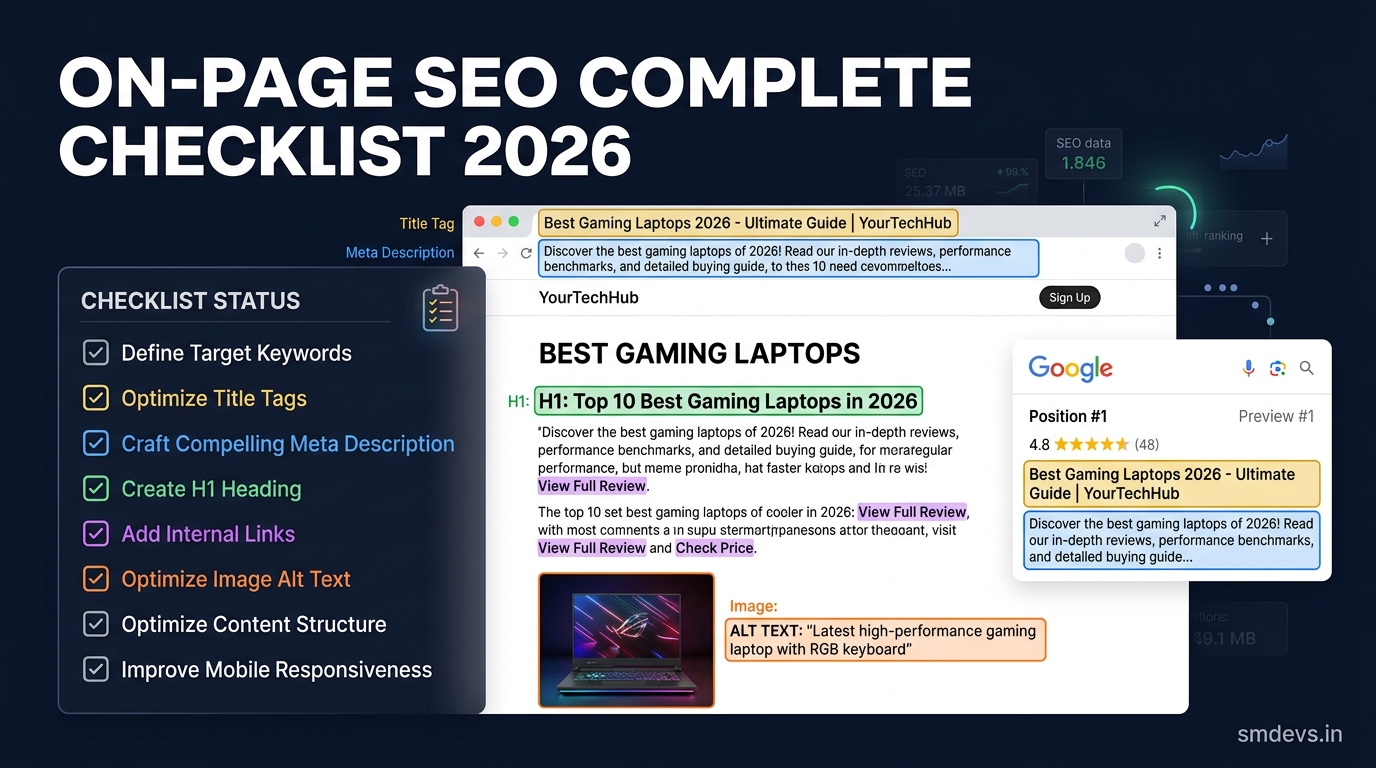
Interesting stat: 59.5% of websites are missing an H1 tag on at least one page. That alone confuses Google about the page's main topic.
Checklist for every page:
|
On-Page Element |
What to Check |
|
Title Tag |
Unique, includes primary keyword, under 60 characters, compelling for clicks |
|
Meta Description |
Unique, 150-160 characters, includes keyword naturally, has a call to action |
|
H1 Tag |
Exactly one H1 per page, includes the primary keyword |
|
H2-H6 Tags |
Logical hierarchy, secondary keywords in H2s naturally |
|
URL Structure |
Short, descriptive, lowercase, hyphens not underscores (e.g., /blog/seo-audit-checklist) |
|
Keyword Placement |
Primary keyword in title, H1, first 100 words, and meta description |
|
Image Alt Text |
Every image has descriptive alt text, main images use keyword naturally |
|
Internal Links |
At least 2-3 internal links per page to related content |
|
Schema Markup |
Relevant schema added (Article, FAQ, LocalBusiness, etc.) |
|
Content Length |
Enough depth to fully answer the search query — no fluff, no padding |
|
Duplicate Meta Tags |
No two pages share the same title or meta description |
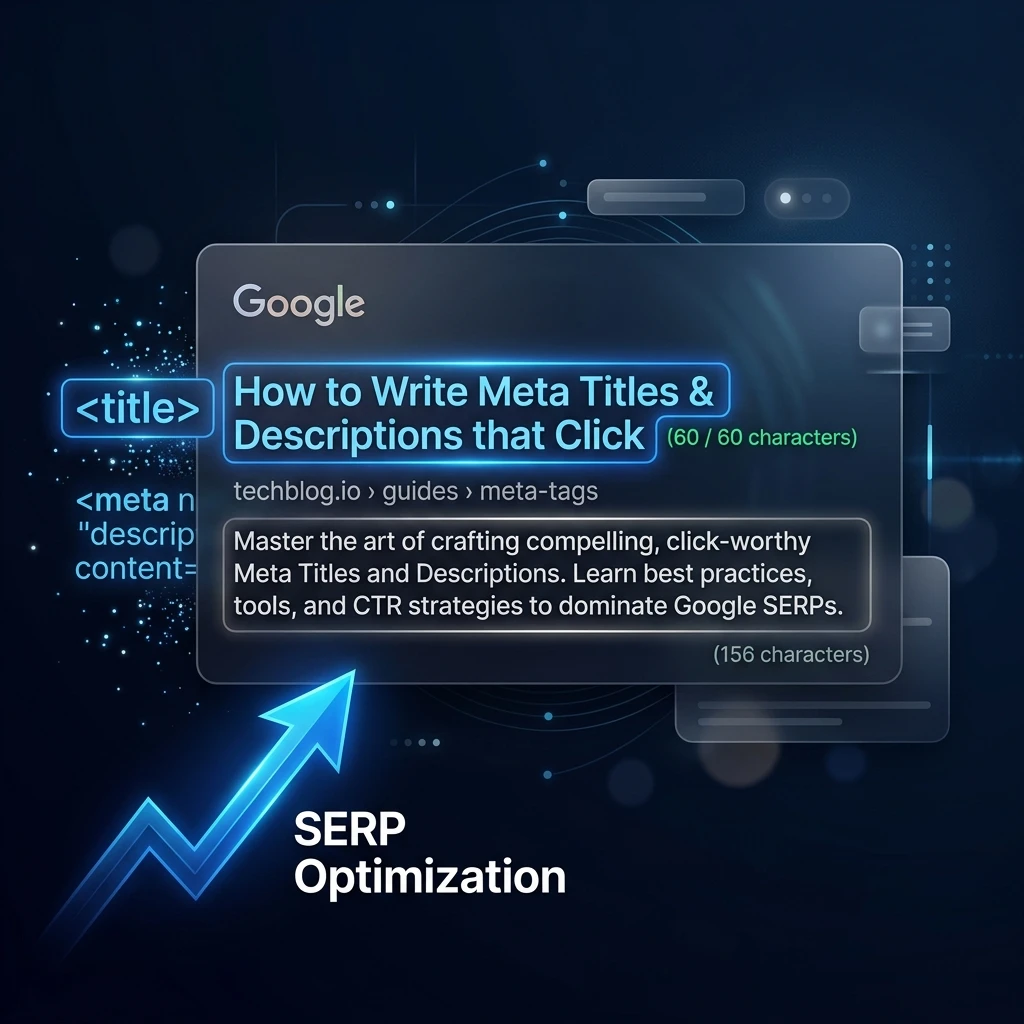
💡 Pro Tip: Your title tag and meta description are your billboard in the search results. Write them for humans first, not for robots. A compelling meta description increases click-through rate, even if it's not a direct ranking factor itself.
Content Quality Audit
Google's Helpful Content system rewards websites that demonstrate real expertise. Generic, thin, or AI-generated content is a liability in 2026.
What Is E-E-A-T?
E-E-A-T stands for Experience, Expertise, Authoritativeness, and Trustworthiness. Google's quality raters use this framework when evaluating content.
|
E-E-A-T Signal |
How to Show It |
|
Experience |
Share first-hand case studies, real examples, and personal insights |
|
Expertise |
Author bio with credentials, link to author's professional profiles |
|
Authoritativeness |
Earn mentions and backlinks from trusted sites in your niche |
|
Trustworthiness |
Accurate information, clear About page, privacy policy, SSL, real contact info |
Content Audit Checklist:
-
Identify underperforming pages — In GSC, filter pages losing clicks or impressions over the past 6 months.
-
Update old content — Refresh statistics, update examples, and add new information. Content freshness is a real ranking signal.
-
Remove or consolidate thin content — Pages with fewer than 300 words and no real value. Either beef them up or redirect to a related stronger page.
-
Check for keyword cannibalization — Two pages targeting the same keyword compete against each other. Merge or differentiate them.
-
Match search intent — Is your page informational, commercial, or transactional? Make sure your content matches what users actually want when they search that keyword.
-
Add original data, quotes, or insights — What does your page say that no one else says? Google rewards unique perspectives.
"Google's algorithms have become dramatically more sophisticated at detecting thin, duplicate, and unhelpful content."
Off-Page SEO Audit
Backlinks remain one of Google's top three ranking factors. But quality matters far more than quantity.
Backlink Audit Checklist:
-
Check your total backlink count — Use Ahrefs Webmaster Tools (free). Compare it with your top-ranking competitors.
-
Identify toxic/spammy links — Look for links from irrelevant, low-quality, or foreign-language spam sites. Use Google's Disavow tool only if you have a clear pattern of harmful links. Be conservative — most sites don't need to disavow anything.
-
Fix broken backlinks — Find external links pointing to your 404 pages. Set up 301 redirects to capture that link equity back.
-
Check anchor text distribution — A natural anchor text profile has a mix of branded, generic, and keyword anchors. An unnatural concentration of exact-match keywords can trigger algorithmic penalties.
-
Find link-building opportunities — Where are your competitors getting their backlinks? Look for the same sources. This is your "link gap."
-
Monitor link velocity — Sudden spikes or drops in new links can indicate negative SEO or lost partnerships.
Local SEO Audit Checklist
If your business serves a local area, this section is one of your highest-leverage opportunities. The local 3-pack appears above organic results.
Google Business Profile (GBP) Checklist:
-
Business name matches your legal name exactly
-
Primary and secondary categories are accurate
-
Address and phone number are correct (consistent with website and directories)
-
Opening hours are up to date
-
Photos include interior, exterior, team, and products
-
You have responded to all recent reviews (both positive and negative)
-
Google Posts are being published regularly
Local On-Page Checklist:
-
NAP (Name, Address, Phone) is in the footer of every page
-
Contact page has an embedded Google Map
-
Service pages target specific service + location keyword combinations
-
Local Schema markup added (LocalBusiness type)
-
Internal links connect service pages to location pages
GEO:Generative Engine Optimization Audit
This is new in 2026. Traditional SEO gets you ranked on Google's blue links. GEO gets your brand mentioned when users ask ChatGPT, Perplexity, or Google AI Overviews for recommendations.
Both now matter.
GEO Audit Checklist:
-
Add FAQ and How-To schema — AI systems pull structured data first when generating answers.
-
Write in a Q&A format where appropriate — Directly answer the question in plain language before adding depth.
-
Use clear, factual statements — AI systems prefer concise, citable sentences.
-
Build brand mentions on authority sites — Getting cited on Wikipedia, major news sites, or industry publications helps AI systems recognise your brand.
-
Create a clear About page — With team names, credentials, and real-world experience signals.
-
Use structured data for your content type — Article, HowTo, FAQPage, Product, etc.
💡 2026 Insight: AI Overviews now appear for a large number of searches. If your content is not structured for AI consumption, you are invisible in this new SERP feature.
How Often Should You Run an SEO Audit?
|
Frequency |
What to Check |
|
Weekly |
Core Web Vitals scores, GSC crawl errors, 404 errors |
|
Monthly |
Top 20 keyword rankings, new GSC coverage issues, page speed |
|
Quarterly |
Full technical SEO audit, internal linking review, metadata update |
|
Yearly |
Comprehensive content audit, in-depth competitor analysis, backlink profile review |
"An SEO audit run once is a snapshot. A regular audit cadence is a growth system."
Conclusion
An SEO audit is one of the most powerful ways to improve your website’s search performance. By systematically checking technical SEO, on-page optimization, content quality, backlinks, and user experience, you can uncover hidden issues that prevent your pages from ranking higher on Google.
The key is consistency. SEO is not a one-time task but an ongoing process. Running regular audits helps you detect crawl errors, fix performance issues, update outdated content, and stay aligned with Google’s evolving algorithms.
Using the checklist in this guide, you can run a complete SEO audit using only free tools like Google Search Console, PageSpeed Insights, Screaming Frog, and Ahrefs Webmaster Tools. Even small improvements, such as fixing broken links, improving Core Web Vitals, or updating metadata, can significantly increase your visibility in search results.
In 2026, successful SEO also means optimizing for AI-driven search experiences like Google AI Overviews and generative search engines. By structuring your content clearly, adding schema markup, and demonstrating real expertise, your website can become a trusted source for both users and search engines.
If you regularly apply this SEO audit checklist, you will build a technically strong, trustworthy website that has the best chance of ranking higher, attracting more organic traffic, and growing your online presence.
FAQs — People Also Ask
1. What is an SEO audit checklist?
An SEO audit checklist is a structured list of checks you run on your website to find issues that are hurting your search rankings. It covers technical SEO (crawlability, speed, mobile), on-page SEO (titles, meta tags, headings), content quality, and off-page authority (backlinks). Running through this checklist tells you exactly what to fix to rank higher on Google.
2. How long does an SEO audit take?
A basic SEO audit using free tools takes 2–4 hours for a small website (under 100 pages). A thorough audit of a large website can take several days. Using tools like Screaming Frog or Ahrefs Webmaster Tools speeds up the technical part significantly. The time you spend is worth it, finding and fixing a single critical issue can unlock significant ranking improvements.
3. What are the most important things to check in a technical SEO audit?
The five most critical items in a technical SEO audit are: (1) robots.txt and noindex tags — making sure you are not accidentally blocking important pages; (2) Core Web Vitals — LCP, CLS, and INP must meet Google's benchmarks; (3) mobile usability — Google indexes the mobile version first; (4) HTTPS security — a confirmed ranking factor; and (5) crawl errors — orphan pages, broken links, and soft 404s that waste crawl budget.
4. Can I do an SEO audit for free?
Yes, absolutely. You can run a comprehensive SEO audit using completely free tools. Google Search Console handles crawl errors, indexing issues, and keyword performance. Google PageSpeed Insights measures Core Web Vitals. Screaming Frog's free version crawls up to 500 URLs. Ahrefs Webmaster Tools gives you free backlink data and site crawl access. All tools mentioned in this guide are free.
5. How often should I do an SEO audit?
Run a quick check weekly (Core Web Vitals, 404 errors). Do a more detailed check monthly (rankings, GSC issues). Complete a full technical SEO audit quarterly. And perform a deep content and competitor audit once a year. Regular audits catch small problems before they become big ranking drops. For most small business websites, a monthly routine with a quarterly deep dive is the sweet spot.