Key Takeaways
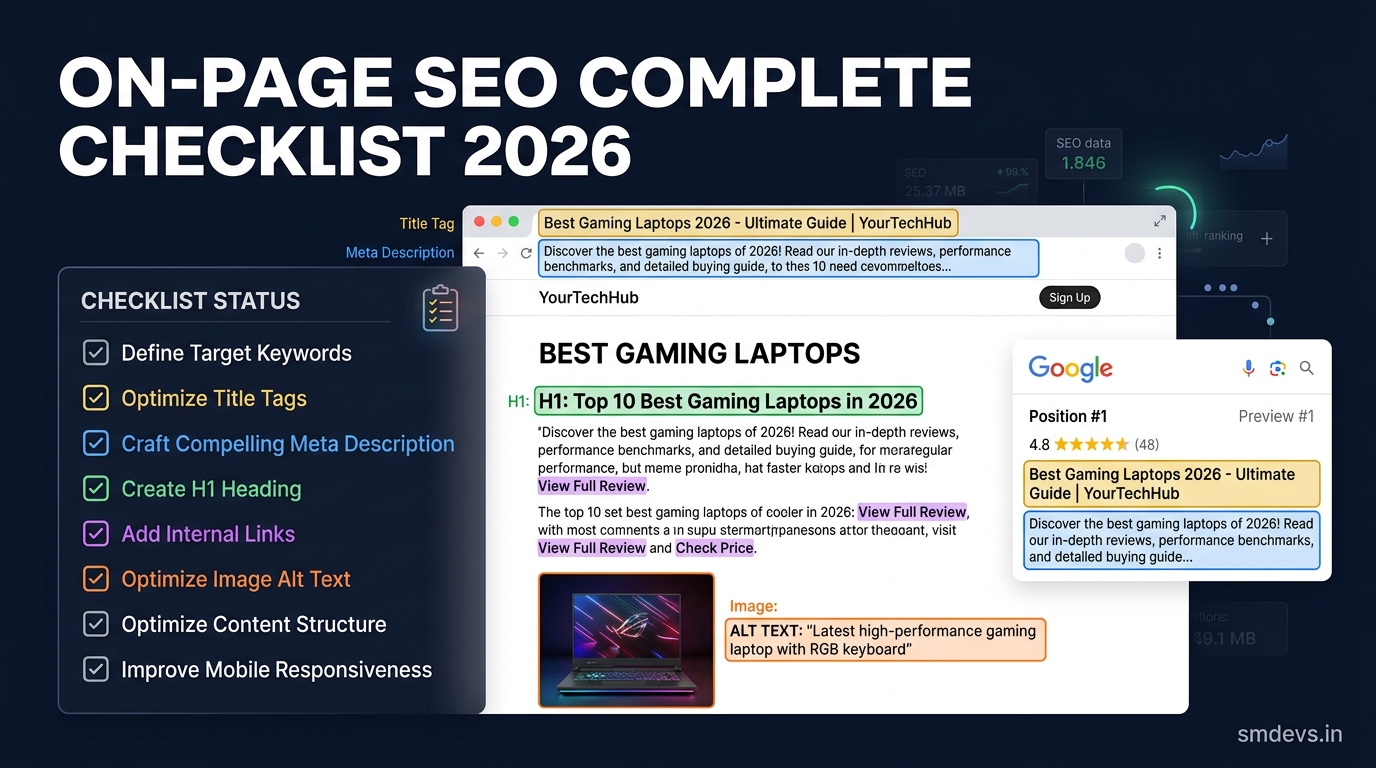
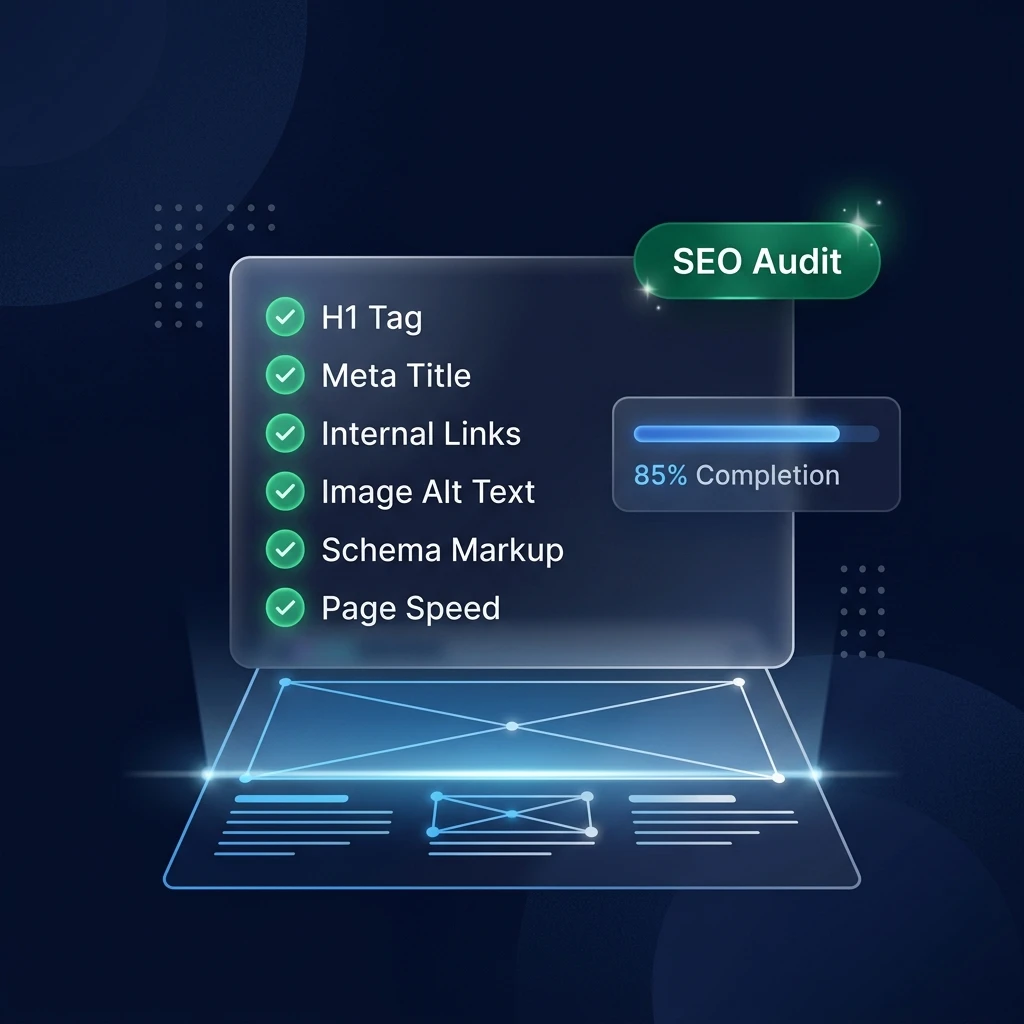
- 23-point checklist covering every on-page SEO signal Google evaluates
- Most websites fail at least 7-10 items on this checklist
- Technical issues must be fixed before content quality improvements
- Every checklist item links to a free tool that resolves it
- Save this checklist and run it on every page before publishing
Publishing a page without an on-page SEO audit is the digital equivalent of submitting a job application without proofreading it. The content might be excellent, but a handful of technical errors can prevent it from ever being seen by the audience it was written for.
This checklist covers 23 specific on-page elements Google evaluates when deciding whether to rank your page, how prominently to rank it, and what features (rich snippets, featured snippets, knowledge panels) to associate with it. Work through this list on every page before publishing—and run it again on your existing highest-priority pages. Most websites fail at least 7–10 of these checks on their current live content.
How to Use This Checklist
Run your target URL through the On-Page SEO Checker first. It will automatically identify most of the technical items below. Then use this checklist to verify the items the tool does not automatically check—particularly the strategic and content-quality items.
Section A: Keyword and Intent Alignment (Items 1–4)
1. ✅ Keyword Intent Match
Before writing, verify that your content format matches the search intent of your target keyword using the Keyword Intent Analyzer. A guide format for a transactional keyword, or a product page for an informational keyword, will not rank regardless of other optimizations. This is the most important check on the list.
2. ✅ Primary Keyword in H1
Your H1 (page title visible on the page) must contain your primary keyword, ideally near the beginning. Google uses the H1 as a primary topical relevance signal. Every page must have exactly one H1—not zero, not two. Run through the SEO Structure Analyzer to verify.
3. ✅ Primary Keyword in First 100 Words
Google places higher weight on keyword signals that appear early in the document. Your primary keyword should appear naturally within the first paragraph or introduction of your content—not as keyword stuffing, but as a natural result of addressing the topic directly from the outset.
4. ✅ Keyword Density Within 1–2%
Use the Keyword Density Checker to verify your primary keyword appears at 1–2% density. Under 0.5% is under-optimized. Over 3% risks appearing as keyword stuffing. Also check that semantic variants and related terms are distributed naturally throughout.
Section B: Title and Meta Tags (Items 5–8)
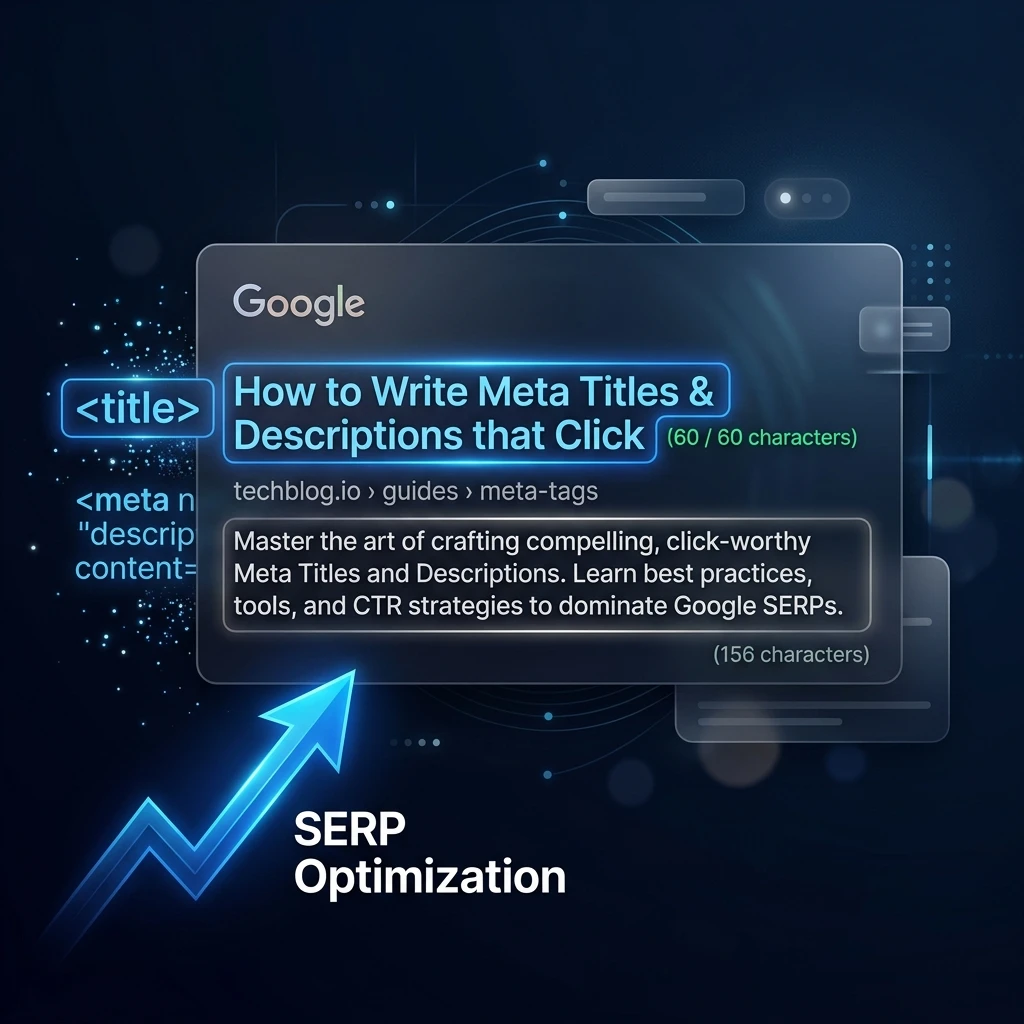
5. ✅ Meta Title: Unique, 50–60 Characters, Contains Keyword
Every page needs a unique meta title with the primary keyword ideally within the first 55 characters. Use the Meta Tag Generator to write, character-count, and preview your title before publishing. A truncated title in Google results loses click potential.
6. ✅ Meta Description: Unique, 140–160 Characters, Includes CTA
Write a unique description for every page. Include the primary keyword (Google bolds matched terms), a differentiating benefit, and a soft CTA. Missing descriptions force Google to auto-generate them from your content—almost always producing a weaker result than a written one.
7. ✅ No Duplicate Meta Tags Sitewide
Multiple pages with identical titles or descriptions compete against each other in Google's index—effectively splitting authority and suppressing all of them. Use a crawl tool to identify and resolve duplicates across your site.
8. ✅ Open Graph Tags Set
Verify og:title, og:description, og:image, and og:url are set for every page you plan to share on social media. Generate the complete block using the Open Graph Generator. Without OG tags, social shares display broken or auto-generated previews that significantly reduce click-through from social platforms.
Section C: Heading Structure (Items 9–11)
9. ✅ Proper H1–H6 Hierarchy (No Gaps)
Heading structure must flow logically: H1 → H2 → H3, never jumping from H1 to H3 without an H2. Heading hierarchy gaps confuse crawlers and indicate poor content structure to Google's quality assessment. The SEO Structure Analyzer maps your complete heading tree and flags every gap.
10. ✅ H2s Cover Primary Subtopics
Each major section of your content should be introduced by an H2. Google extracts H2s to understand the topical scope of your page. If your H2s do not reflect the full range of subtopics users search for within your topic, your topical coverage signals are incomplete.
11. ✅ No Multiple H1s
WordPress themes and page builders frequently introduce multiple H1 tags—one for the site title, one for the post title. This creates competing H1 signals and confuses topical interpretation. Verify you have exactly one H1 per page using the Structure Analyzer.
Section D: Content Quality (Items 12–14)
12. ✅ Content Depth Matches SERP Expectations
Check the average word count of the top 5 ranking pages for your target keyword. Your content should be at minimum comparable in depth—not to hit a word count target, but to ensure your topical coverage is not significantly thinner than what Google has already validated as satisfying user intent for this query.
13. ✅ Content Passes AI Detection Authenticity Check
Run your draft through the AI Content Detector. Sections flagged as AI-generated should be rewritten with personal expertise, specific examples, and human editorial voice. Google's Helpful Content system actively devalues content that demonstrates no first-hand knowledge or editorial judgment.
14. ✅ Content Humanizer Applied to Robotic Sections
Use the Content Humanizer to refine any sections that read as mechanical or formulaic. Engagement metrics (scroll depth, time on page, return visits) are behavioral quality signals that affect long-term ranking stability.
Section E: Internal Linking (Items 15–17)
15. ✅ Minimum 3–5 Internal Links Per Page
Every published page should link to at least 3–5 other relevant pages on your site using descriptive anchor text. Internal links serve two functions: they distribute PageRank throughout your site, and they help Google's crawler discover and index pages it might otherwise miss.
16. ✅ Descriptive Anchor Text (No "Click Here")
Every internal link anchor should describe what the linked page is about. "Click here," "read more," and "this page" are wasted anchor text—they tell Google and users nothing about the destination. Use keyword-rich, descriptive anchors: "keyword intent analyzer," "free schema validator," "pivot point calculator."
17. ✅ No Orphan Pages (Every Page Has Incoming Links)
An orphan page is a page on your site with no internal links pointing to it. Google's crawler may fail to discover it, and even if it does, the page receives no internal PageRank. Every new page you publish should be linked from at least one existing page.
Section F: Images and Media (Items 18–19)
18. ✅ All Images Have Descriptive Alt Text
Image alt text serves two purposes: accessibility (screen readers for visually impaired users) and SEO (tells Google what the image depicts, contributing to image search visibility and on-page relevance). Every image on your page should have a descriptive alt attribute. Empty alt="" is only appropriate for decorative images with no semantic content.
19. ✅ Images Compressed for Web (Under 150KB Where Possible)
Large image files are one of the most common causes of slow page load times—which directly affects Core Web Vitals scores, mobile rankings, and user bounce rates. Compress all images to WebP format where possible. Use srcset attributes to serve appropriately sized images for different screen resolutions.
Section G: Technical SEO (Items 20–23)
20. ✅ Schema Markup Validated
Validate your page's structured data using the Schema Validator. Every content page should have at minimum Article or BlogPosting schema. Pages with FAQs should add FAQPage schema. Use the Schema Generator to build the JSON-LD block if starting from scratch.
21. ✅ Canonical URL Set Correctly
Every page must have a canonical tag pointing to itself (or to the preferred version if duplicate URLs exist). Without a canonical tag, Google may select its own canonical—sometimes choosing a URL variant with parameters or session IDs that dilutes your ranking signals. Check that <link rel="canonical" href="[URL]" /> is present in your <head>.
22. ✅ Page Not Blocked in Robots.txt
Verify your robots.txt file is not accidentally blocking the page you just optimized. Use the Robots.txt Generator to review your current configuration and ensure all public content is crawlable.
23. ✅ Page Added to Sitemap
Every new page should be included in your XML sitemap immediately after publishing. Generate or update your sitemap using the Sitemap Generator and resubmit to Google Search Console. Sitemap submission is the fastest way to ensure new content is discovered and indexed promptly.
Your On-Page SEO Score: Interpreting the Results
| Items Passing | Score | Assessment | Priority |
|---|---|---|---|
| 20–23 | 90–100% | Excellent — publish with confidence | Monitor monthly |
| 16–19 | 70–89% | Good — minor improvements needed | Fix before major promotion |
| 12–15 | 50–69% | Fair — significant gaps present | Fix before publishing |
| Under 12 | Under 50% | Poor — page needs substantial work | Do not publish yet |
Frequently Asked Questions
How long does on-page SEO take to show results?
Technical fixes (schema, meta tags, heading corrections) typically show measurable impact within 4–8 weeks as Google recrawls updated pages. Content quality improvements take 6–12 weeks. Submit updated pages to Google Search Console immediately after changes to expedite recrawling.
Should I run this checklist on existing pages or only new ones?
Both. New pages should be audited before publishing. Existing pages—especially those with high impressions but low click-through rates, or pages that rank on page 2–3 without moving—are the highest-priority candidates for a retroactive audit. A single optimization session on 10 existing pages often produces faster results than publishing 10 new ones.
Which items on this list have the highest impact?
Items 1 (intent match), 2 (H1 keyword), 5 (meta title), 20 (schema validation), and 15 (internal linking) have the highest individual impact. If time is limited, fix these five first on every page before addressing the remaining 18.
Run Your First Audit Now
Open the On-Page SEO Checker and run your most important page. Cross-reference the output with this 23-point checklist. Fix everything in Section A and B first—then work through the remaining sections in order.