Key Takeaways
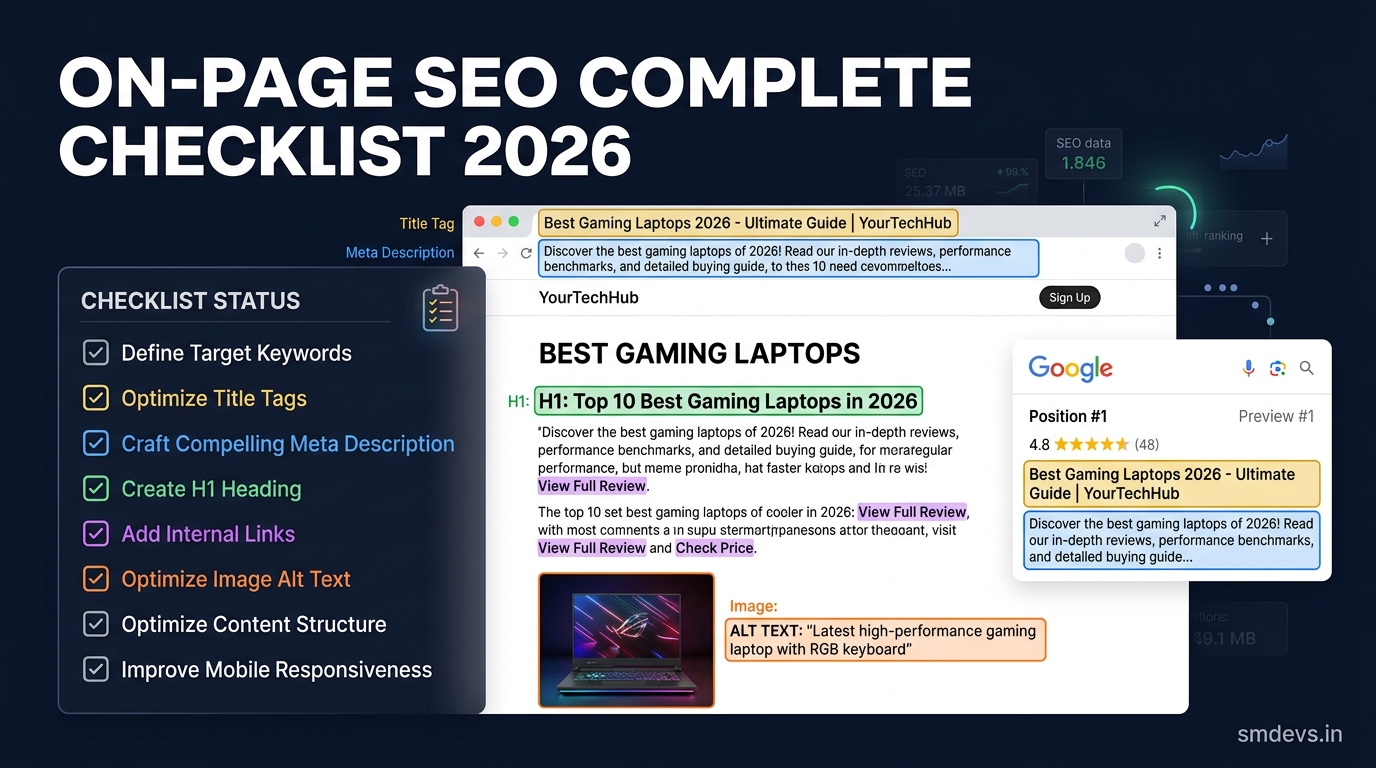
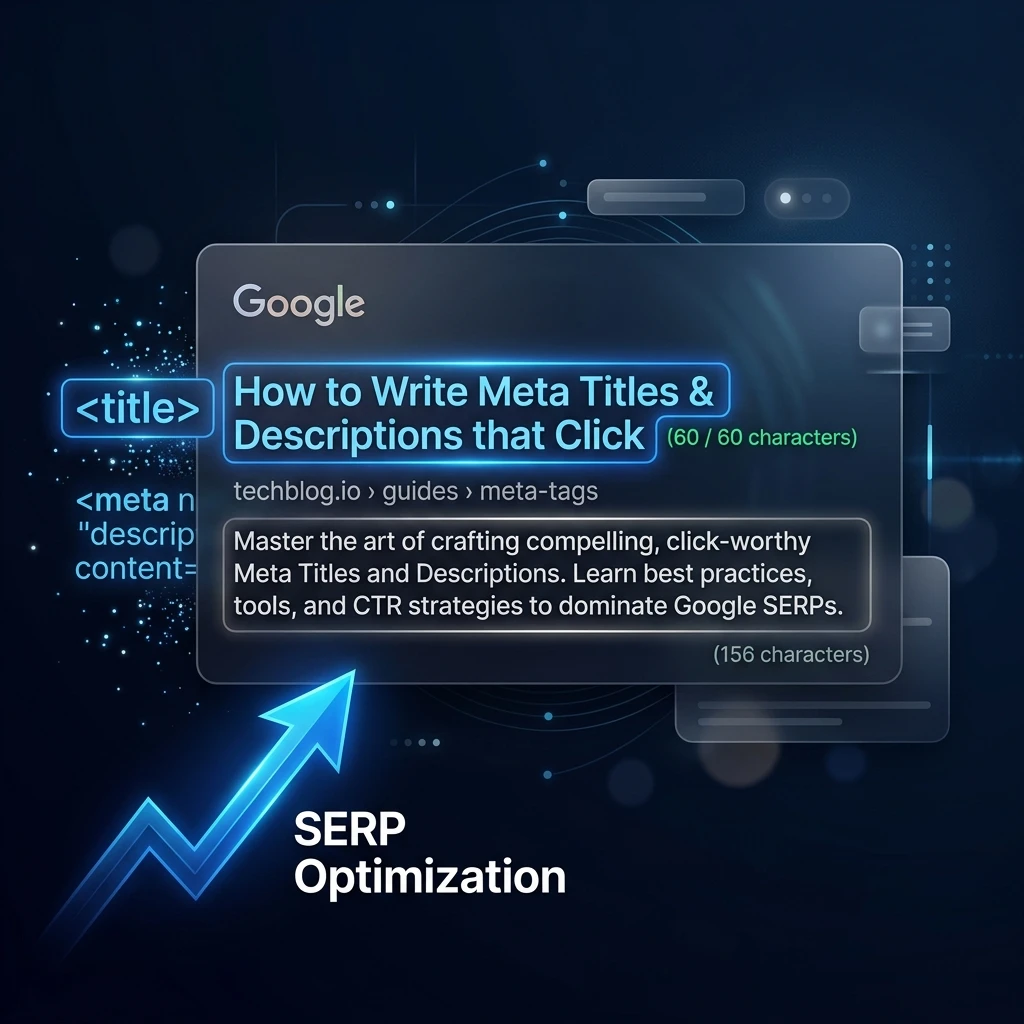
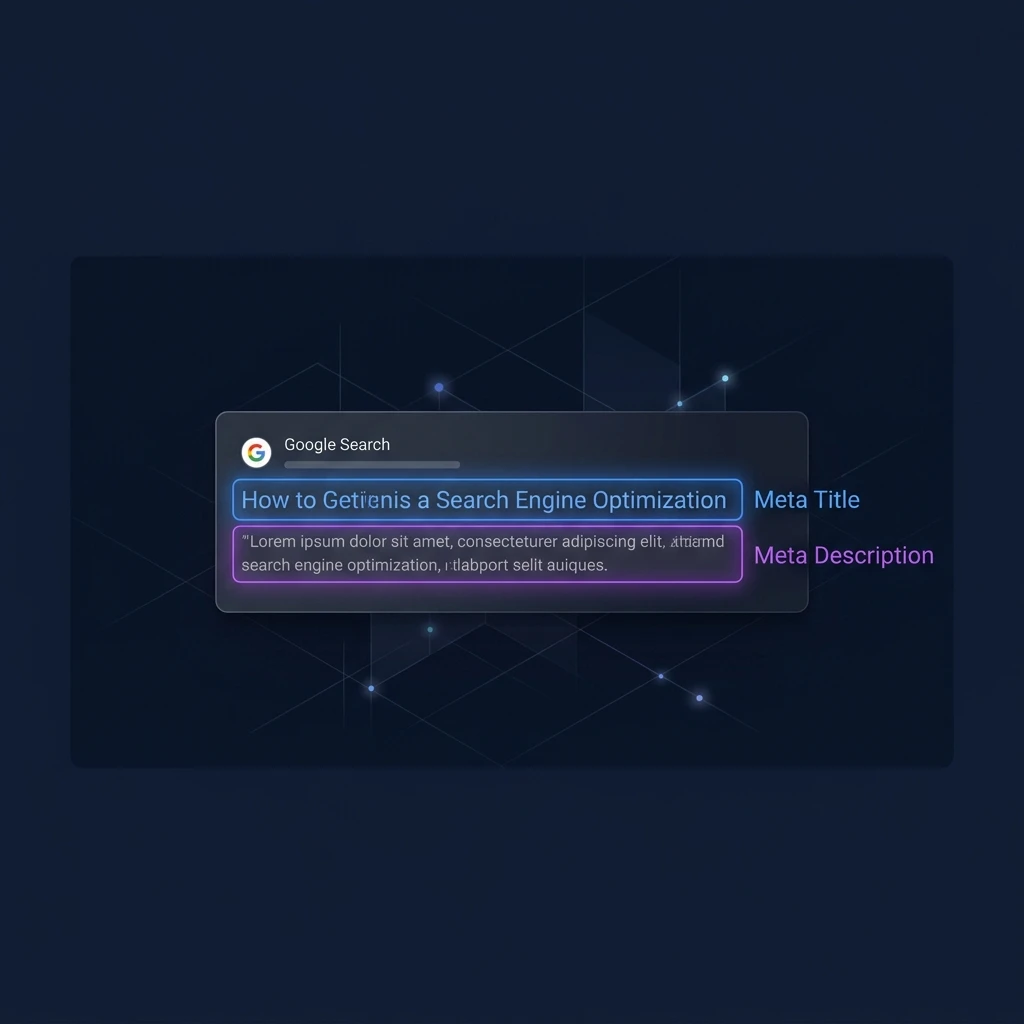
- The meta title (title tag) is the blue clickable headline in Google search results — the single most important on-page SEO element.
- The meta description is the gray summary text below it — not a ranking factor, but it directly impacts click-through rate (CTR).
- Ideal meta title length: 50–60 characters. Ideal meta description: 145–155 characters.
- Every page needs a unique, keyword-focused meta title. Duplicate titles are one of the most common and costly SEO mistakes.
- Use our free Meta Tag Generator to write and preview both tags before publishing.
What Is a Meta Title?
A meta title (also called a title tag) is an HTML element that specifies the title of a webpage. It appears in three key places: as the blue clickable headline in Google search results, as the tab label in your browser, and as the default title when a page is shared on social media.
In HTML, it looks like this:
<title>Your Page Title Here | Brand Name</title>The meta title is the single most important on-page SEO element. Google uses it as the primary signal to understand what a page is about, and it's the first thing a user reads when deciding whether to click your result.
What Is a Meta Description?
A meta description is an HTML attribute that provides a short summary of a webpage's content. It appears as the gray paragraph text beneath the blue title link in Google search results (called the "snippet").
In HTML, it looks like this:
<meta name="description" content="Your page description here." />Critically: meta descriptions are not a Google ranking factor. Google confirmed this years ago. However, a well-written meta description significantly impacts click-through rate (CTR) — the percentage of people who click your result after seeing it. Higher CTR means more traffic without needing to move up in rankings.
Meta Title vs Meta Description: Side-by-Side Comparison
| Feature | Meta Title (Title Tag) | Meta Description |
|---|---|---|
| HTML tag | <title> |
<meta name="description"> |
| Appears in SERP? | ✅ Yes — blue clickable headline | ✅ Yes — gray summary text below |
| Google ranking factor? | ✅ Yes — high importance | ❌ No — but affects CTR |
| Browser tab? | ✅ Yes | ❌ No |
| Social sharing default? | ✅ Often used | ✅ Often used |
| Ideal length | 50–60 characters | 145–155 characters |
| Keyword placement | Target keyword near the start | Include keyword naturally |
| Can Google rewrite it? | ✅ Yes (~60% of the time) | ✅ Yes (very common) |
What Is the Ideal Meta Title Length?
The ideal meta title length is 50–60 characters (including spaces). Google typically displays up to 600 pixels of a title in desktop search results — which corresponds to roughly 60 characters in a standard font. Titles longer than 60 characters get truncated with "…" which cuts off your message and can hurt CTR.
For mobile results, Google may display slightly fewer characters, so keeping your most important keyword within the first 50 characters is best practice.
What Is the Ideal Meta Description Length?
The ideal meta description length is 145–155 characters. Google truncates descriptions at approximately 160 characters on desktop and 130 characters on mobile. Descriptions that are too short leave value on the table. Descriptions that are too long get cut off mid-sentence, which appears unprofessional and reduces clicks.
Good vs Bad Examples
Meta Title Examples
❌ Bad: Home | My Website
Why it fails: No keyword, no value proposition, could apply to any site on the internet.
❌ Bad: Free Online Schema Markup Validator Tool For JSON-LD Structured Data That Works On Any Website Without Registration
Why it fails: 114 characters — Google will truncate after ~60. The important words get cut.
✅ Good: Schema Markup Checker — Validate JSON-LD & Rich Results
Why it works: 56 characters, leads with the target keyword, communicates the benefit (validate + rich results), unique and specific.
Meta Description Examples
❌ Bad: Welcome to our website. We offer many tools and services for SEO professionals.
Why it fails: Vague, no keywords, no call to action, doesn't tell the reader why to click.
❌ Bad: Free schema markup checker. Instantly validate JSON-LD structured data, fix errors, and test if your schema qualifies for Google rich results. No signup required. Works for all schema types.
Why it fails: 190 characters — gets truncated. The end ("Works for all schema types") is the most compelling part and gets cut.
✅ Good: Free schema markup checker. Instantly validate JSON-LD structured data, fix errors, and test if your schema qualifies for Google rich results. No signup.
Why it works: 153 characters, starts with the tool type, includes the primary keyword (schema markup), communicates instant value, ends with "No signup" — the friction-reducer that drives clicks.
What Happens When Google Rewrites Your Tags?
Google rewrites meta titles approximately 60% of the time (according to Ahrefs research) and rewrites meta descriptions even more frequently. Google rewrites your title when it believes a different title better matches the user's search query or the actual page content.
To minimize rewrites: make your title tag match the actual, specific content on the page. Google overwrites titles when it detects a mismatch between the tag and the page body. The best defense is accurate, keyword-focused writing that genuinely represents the page.
Meta Title & Description Checklist
- ✅ Every page has a unique meta title (no duplicate titles across the site)
- ✅ Primary keyword appears in the title, ideally in the first 30 characters
- ✅ Title is 50–60 characters — test it with a SERP preview tool
- ✅ Meta description is 145–155 characters
- ✅ Description includes the primary keyword naturally
- ✅ Description has a clear value prop or call to action ("Free," "Instant," "No signup")
- ✅ No keyword stuffing in either tag
- ✅ Both tags accurately describe the actual page content
How to Write & Preview Meta Tags for Free
Use our free Meta Tag Generator to write both tags and instantly preview how your result will look in Google search. You can also use the SERP Preview Tool to test an existing page's snippet before or after publishing.
What is a meta title in SEO?
A meta title (or title tag) is the HTML <title> element that defines the name of a webpage. It appears as the blue clickable headline in Google search results and is the most important on-page SEO ranking factor. It tells both users and search engines what the page is about. Every page should have a unique, keyword-focused meta title between 50–60 characters.
Does the meta description affect Google rankings?
No — Google confirmed that meta descriptions are not a ranking factor. However, they significantly impact click-through rate (CTR). A compelling meta description that matches user intent will generate more clicks from the same ranking position, which can indirectly improve rankings over time as Google measures user engagement signals.
What happens if I don't write a meta description?
If you don't write a meta description, Google will auto-generate one by pulling text from your page that it thinks best matches the search query. Auto-generated snippets are often truncated, poorly formatted, or miss your intended value proposition. Always writing your own description gives you control over how your page appears in search.
Should meta title and meta description contain the same keyword?
Yes — your primary target keyword should appear in both the meta title and meta description. In the title, place it as close to the beginning as possible. In the description, use it naturally within a sentence. Google bolds matching keywords in the description snippet, which visually attracts clicks from users searching that exact term.