Key Takeaways
- Choosing between a 301 and 302 redirect has significant SEO implications. This guide explains the key differences, how Google treats each type, and exactly when to use permanent vs temporary redirects for your website.
What is a Redirect?
A redirect automatically sends users and search engines from one URL to another. When someone visits the old URL, they are seamlessly taken to the new URL. Redirects are essential when you move, delete, or restructure pages.
What is a 301 Redirect?
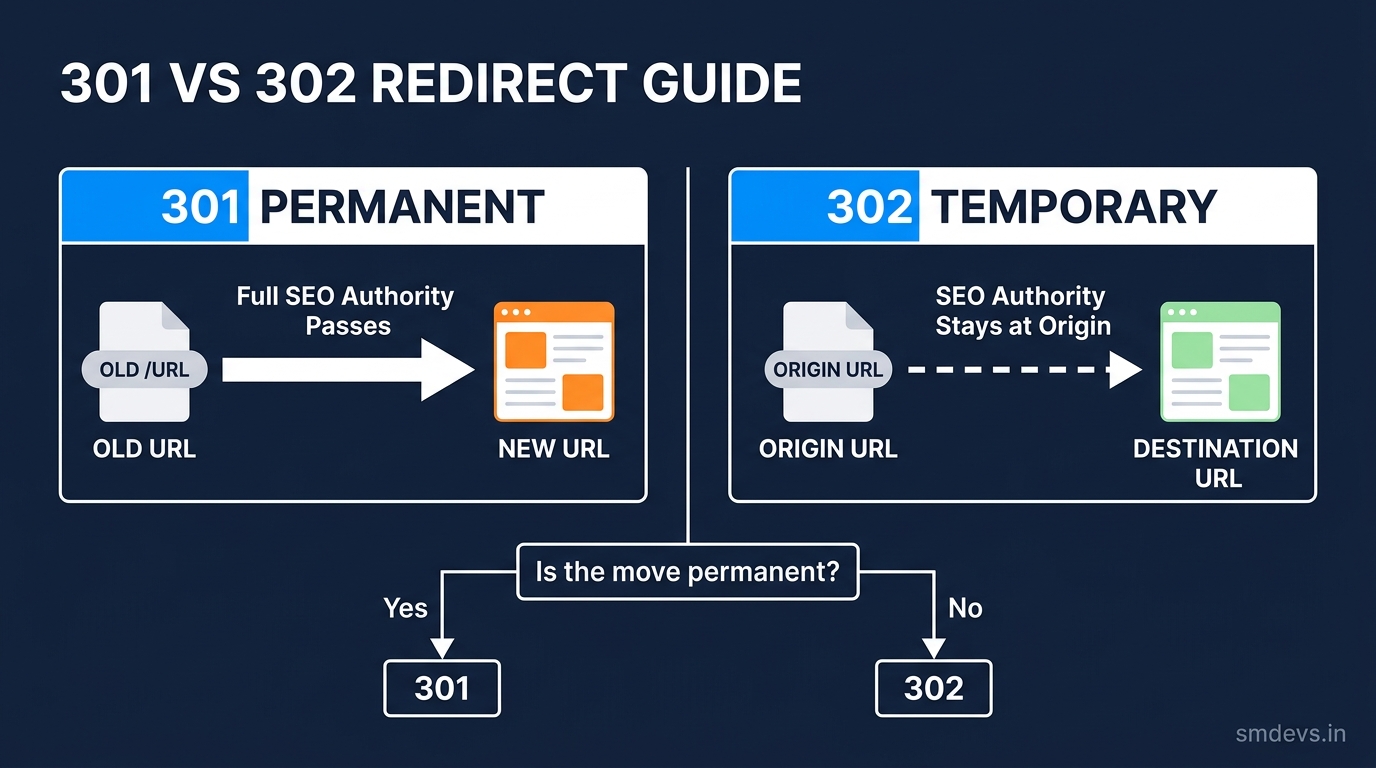
A 301 redirect is a permanent redirect. It signals to browsers and search engines that the original URL has permanently moved to the new URL. Google transfers approximately 99% of the original page's link equity (ranking power) to the destination URL.
Use 301 when: you're permanently moving a page to a new URL, consolidating two pages into one, or changing your domain name.
What is a 302 Redirect?
A 302 redirect is a temporary redirect. It signals that the move is temporary and the original URL should still be indexed. Google does NOT transfer link equity in a 302 — it keeps the SEO authority at the original URL.
Use 302 when: you're temporarily redirecting for A/B testing, maintenance, or seasonal promotions where the original URL will return.
301 vs 302: Key Differences
| Feature | 301 Permanent | 302 Temporary |
|---|---|---|
| SEO Authority Passed | ~99% transferred | Stays at original URL |
| Original URL Indexed | Replaced by new URL | Original stays indexed |
| Browser Caching | Cached by browser (long) | Not cached |
| Best For | Permanent moves | Temporary moves |
| Risk of Misuse | Losing old URL authority | Google may treat as 301 if left long-term |
Common SEO Mistakes with Redirects
Using 302 Instead of 301 for Permanent Moves
If you use a 302 for a permanent move, the old URL stays in Google's index (competing with the new URL) and the new URL builds no link equity. Always use 301 for permanent changes.
Redirect Chains
URL A → URL B → URL C is a redirect chain. Each hop loses a small amount of link equity and slows page load. Always redirect directly: URL A → URL C.
Redirect Loops
URL A → URL B → URL A creates an infinite loop. Browsers show "Too many redirects" error. Always test redirects before deploying.
Not Redirecting HTTP to HTTPS
Every HTTP URL should redirect to its HTTPS equivalent with a 301. Missing this means lost rankings and security warnings.
How to Implement Redirects
In Next.js (next.config.ts)
redirects() {
  return [
    {
      source: '/old-url',
      destination: '/new-url',
      permanent: true, // true = 301, false = 302
    }
  ]
}
In .htaccess (Apache)
Redirect 301 /old-url https://yourdomain.com/new-urlIn Nginx
location /old-url {
  return 301 https://yourdomain.com/new-url;
}
Decision Framework
Ask: "Will the original URL ever come back?" If NO → 301. If YES → 302.
When in doubt, use 301. A wrongly-used 302 is much more damaging to SEO than an unnecessary 301.


